
For iPhone, iPad and Mac
Your vault. Yours alone.
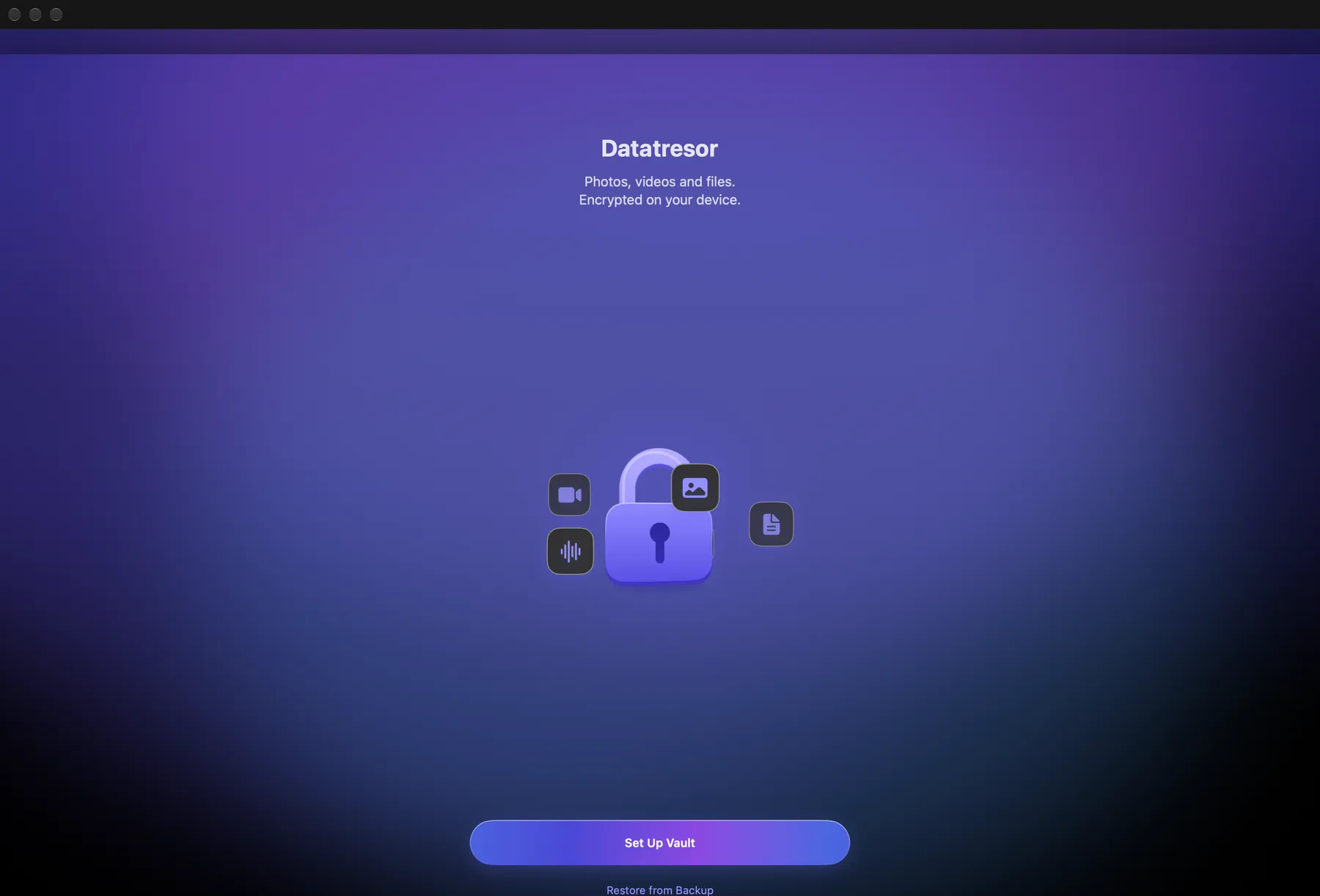
Photos, videos, files and notes, encrypted on your device. No account, no cloud, no subscription.

Free to download. Premium is a one-time €4.99.
- No tracking
- No cloud
- No subscription
- No account
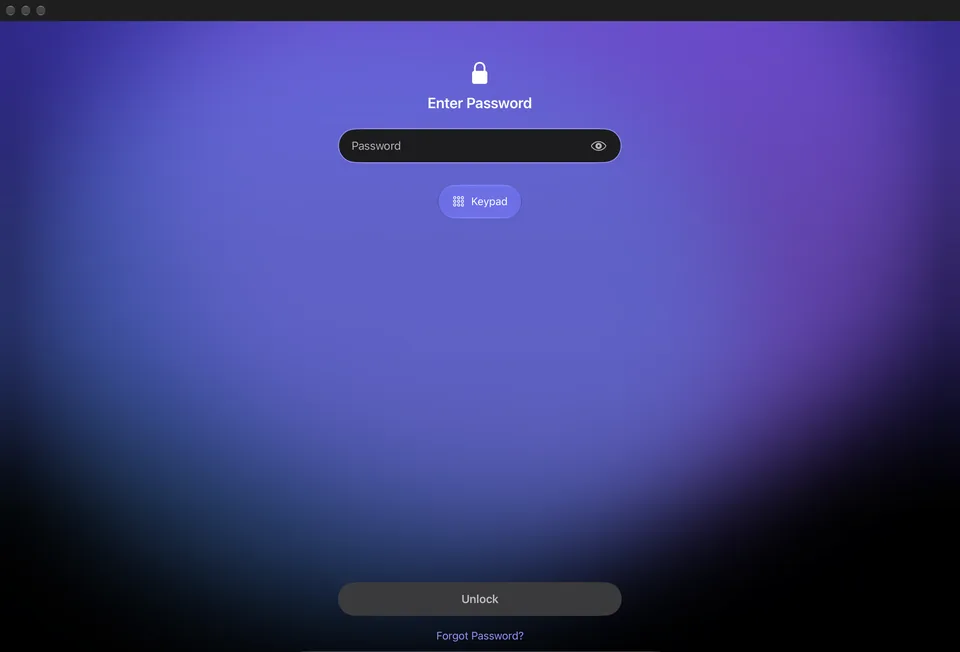
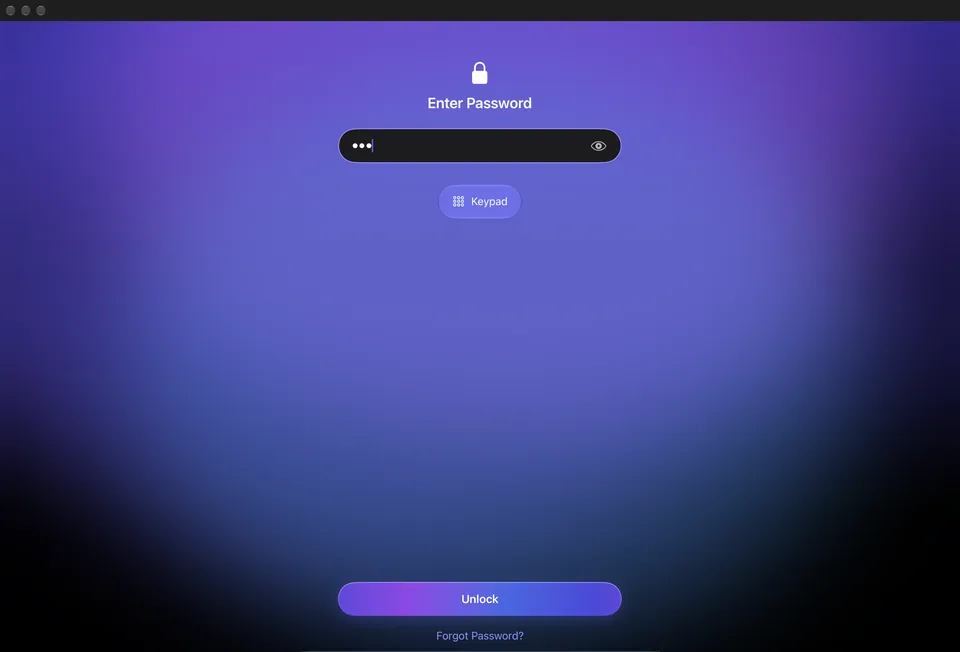
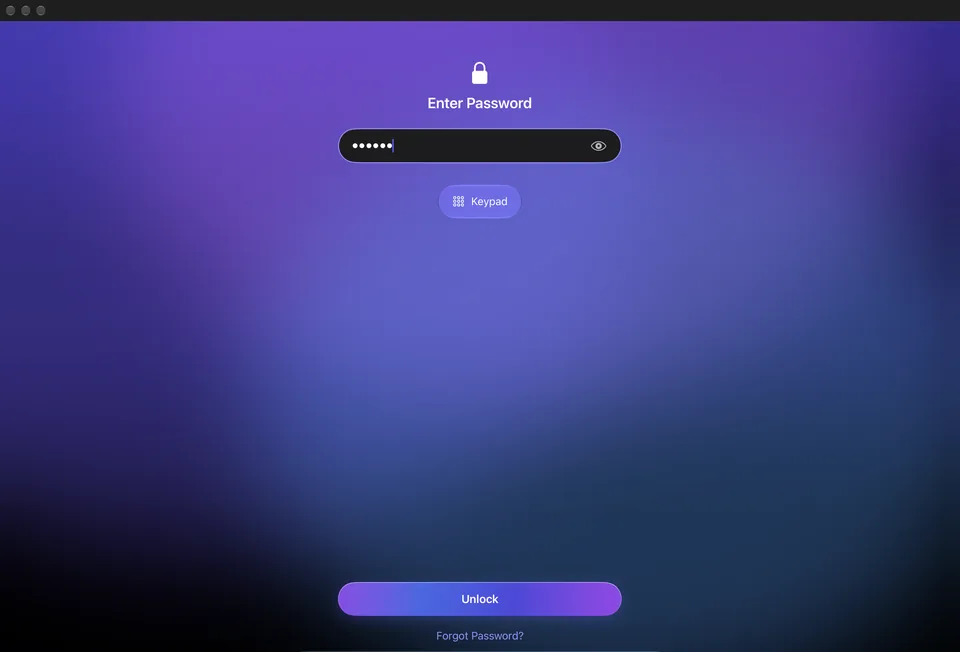
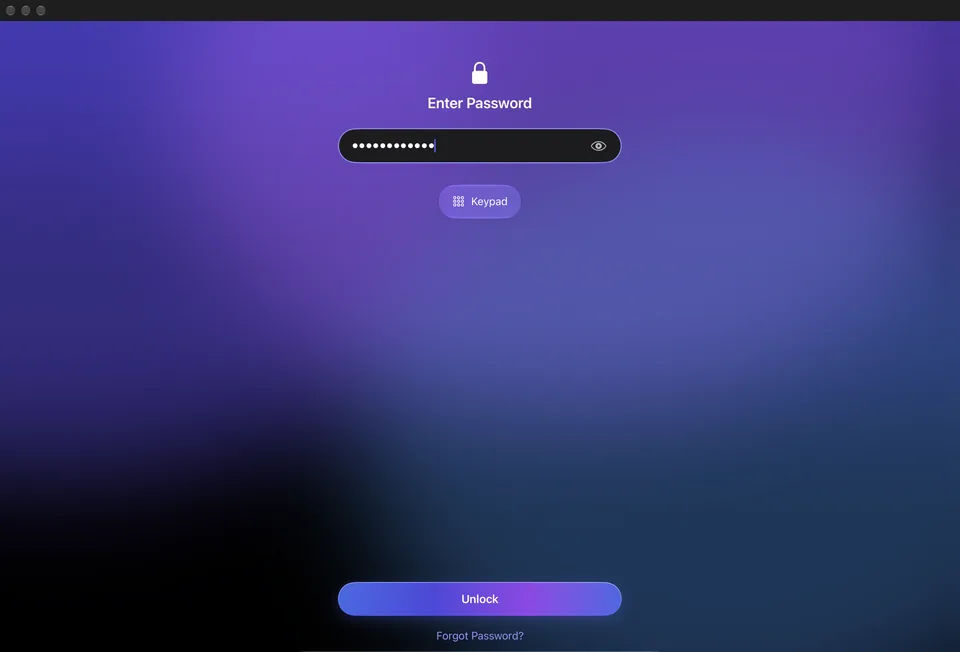
No tracking.
No ads, no analytics, no tracking libraries. We never learn what you do in the app.
No cloud.
No account, no server, no upload. Your vault sits encrypted on your device and nowhere else.
No subscription.
Start free, buy Premium once: €4.99, for good, on iPhone, iPad and Mac.
- iPhoneiOS 26 or later
- iPadiPadOS 26 or later
- MacmacOS 26 or later
One purchase for all three
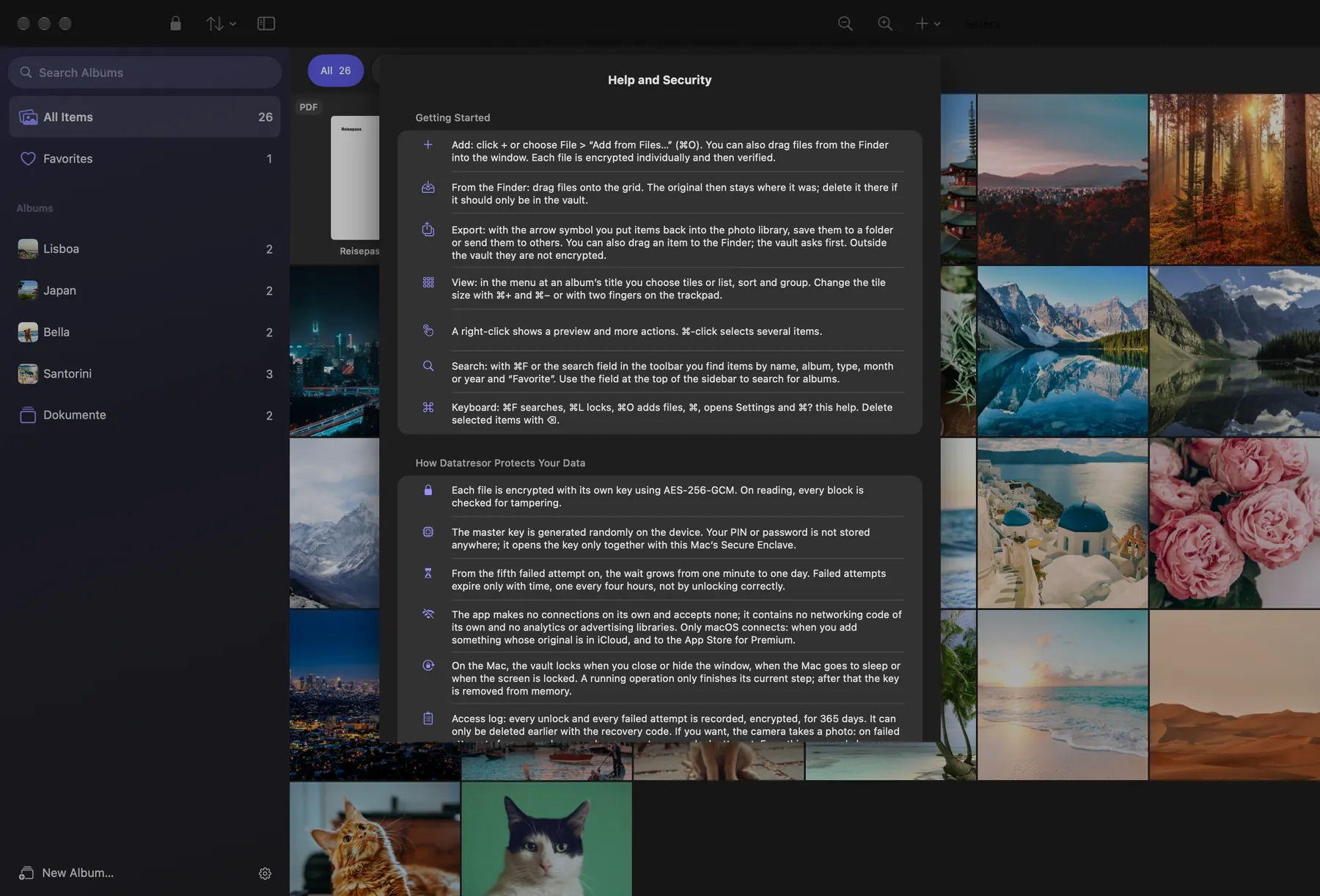
Security
Only you get in.
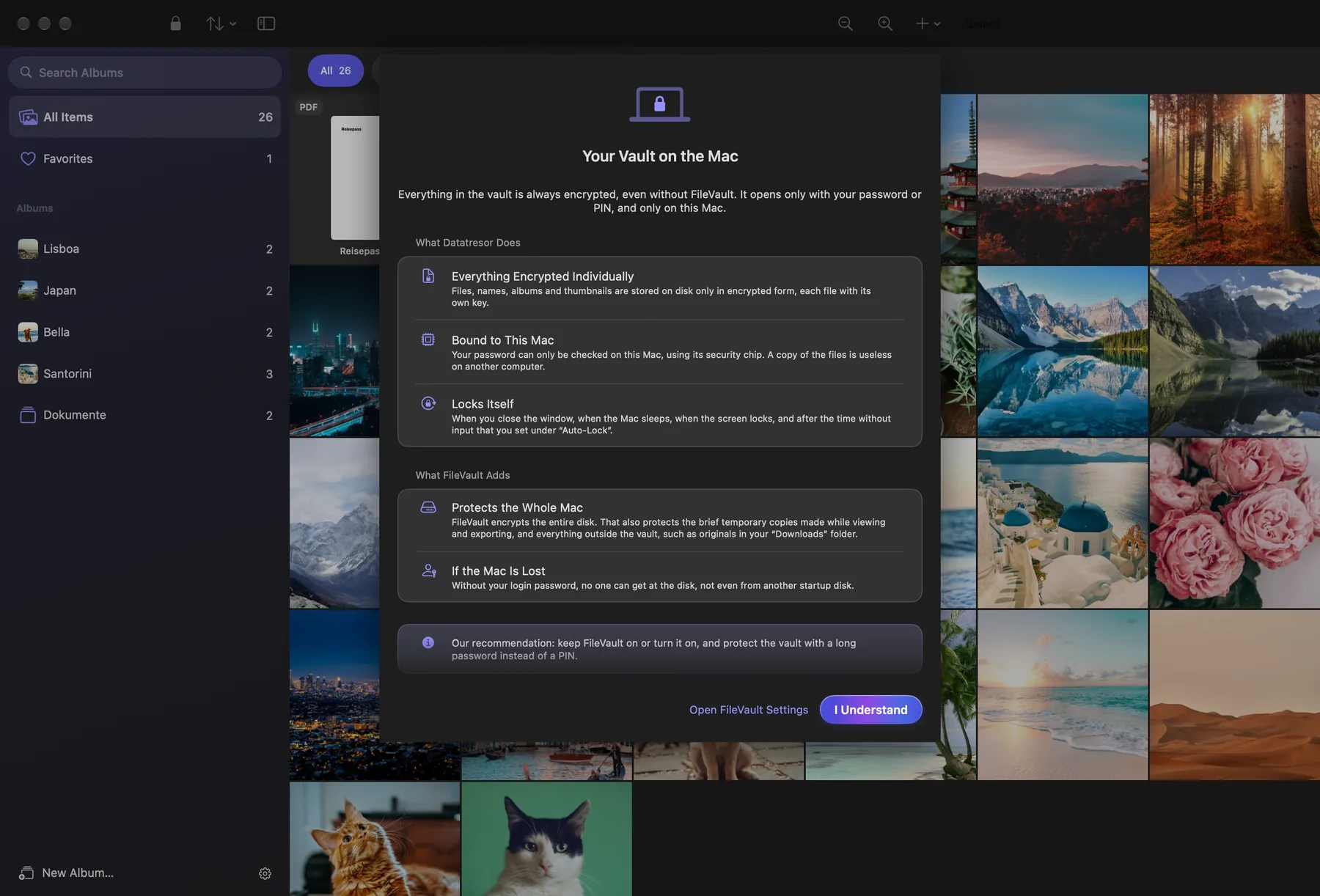
Datatresor encrypts everything right on the device and opens it only with your PIN or password. Nobody else has a key. We don't either.
Encrypted file by file
AES-256-GCM for every photo, video, document and note. Names, albums and thumbnails are stored encrypted too.
Bound to your device
The key is bound to the Secure Enclave, the security chip in iPhone, iPad and Mac. Your PIN or password opens it only together with that chip.
No account, no cloud
You don't sign up anywhere, and nothing is uploaded. What's in the vault stays on your device.
Data not collected
No ads, no analytics, no tracking libraries. That is also what the privacy label in the App Store says.
Technology
AES-256 and Secure Enclave.
For anyone who wants to know exactly how the vault is built.
One key per file
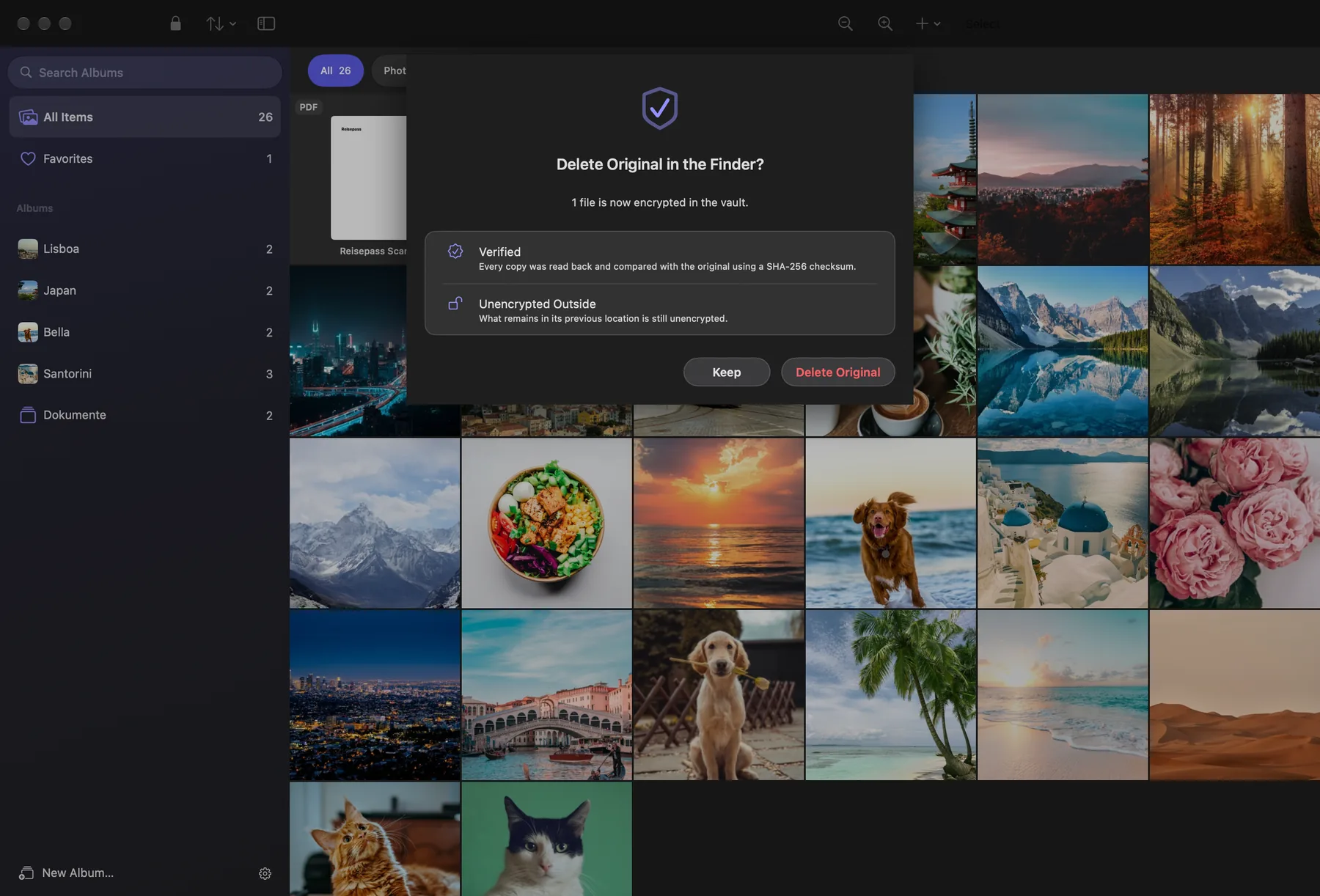
Every file is encrypted on its own with AES-256-GCM. The main key is created on the device. A copy of the files is useless on any other device.
PIN and password never stored
Your PIN (4 to 12 digits) or password is not saved anywhere. From the fifth failed attempt, the wait grows from one minute up to one day.
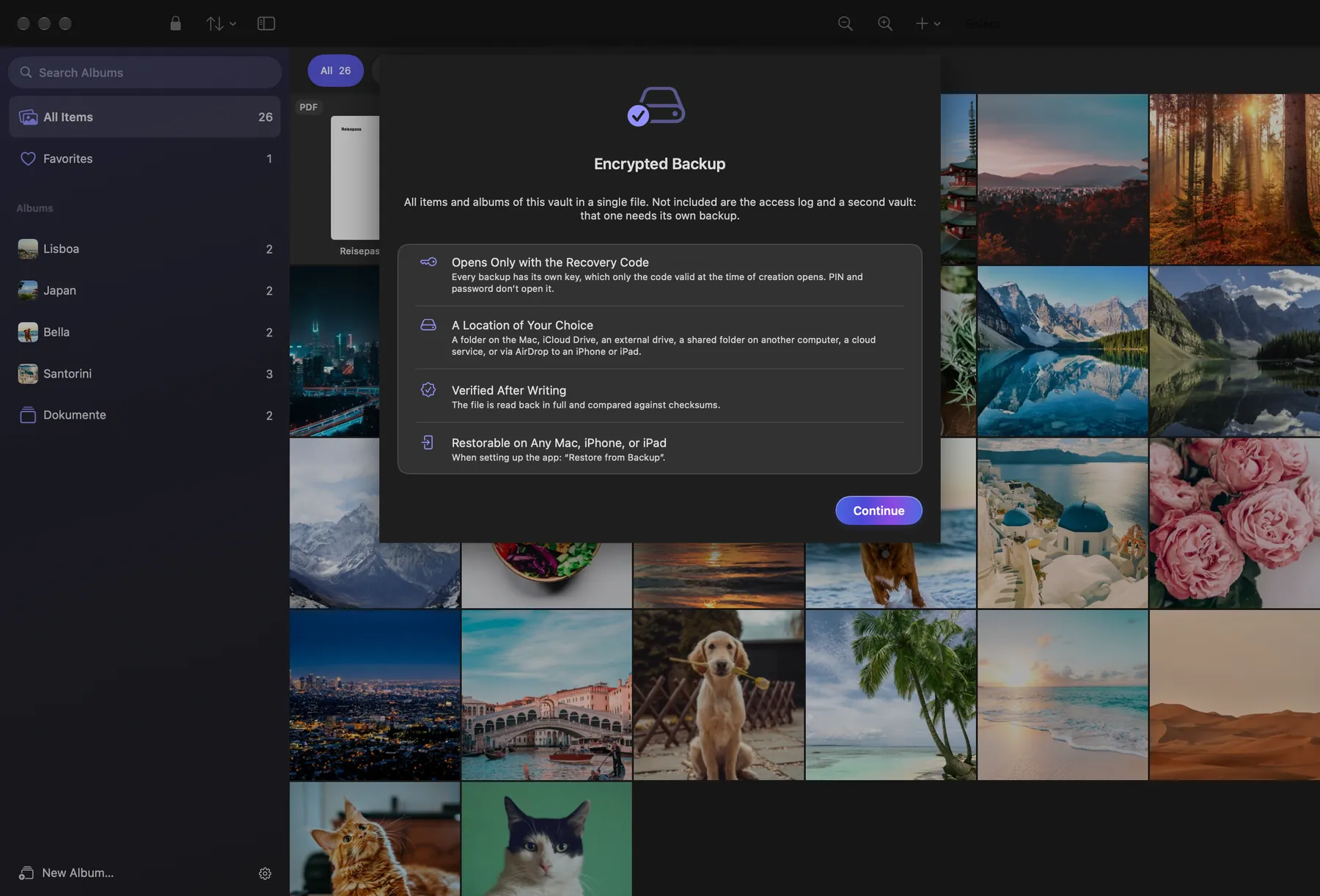
Checked with SHA-256
When you add something, every copy is read back and compared with the original using a SHA-256 checksum. Only then does the app offer to delete the original.
No networking code of its own
The app opens no connection by itself. Only iOS talks to Apple, when you fetch a photo from iCloud or buy Premium.
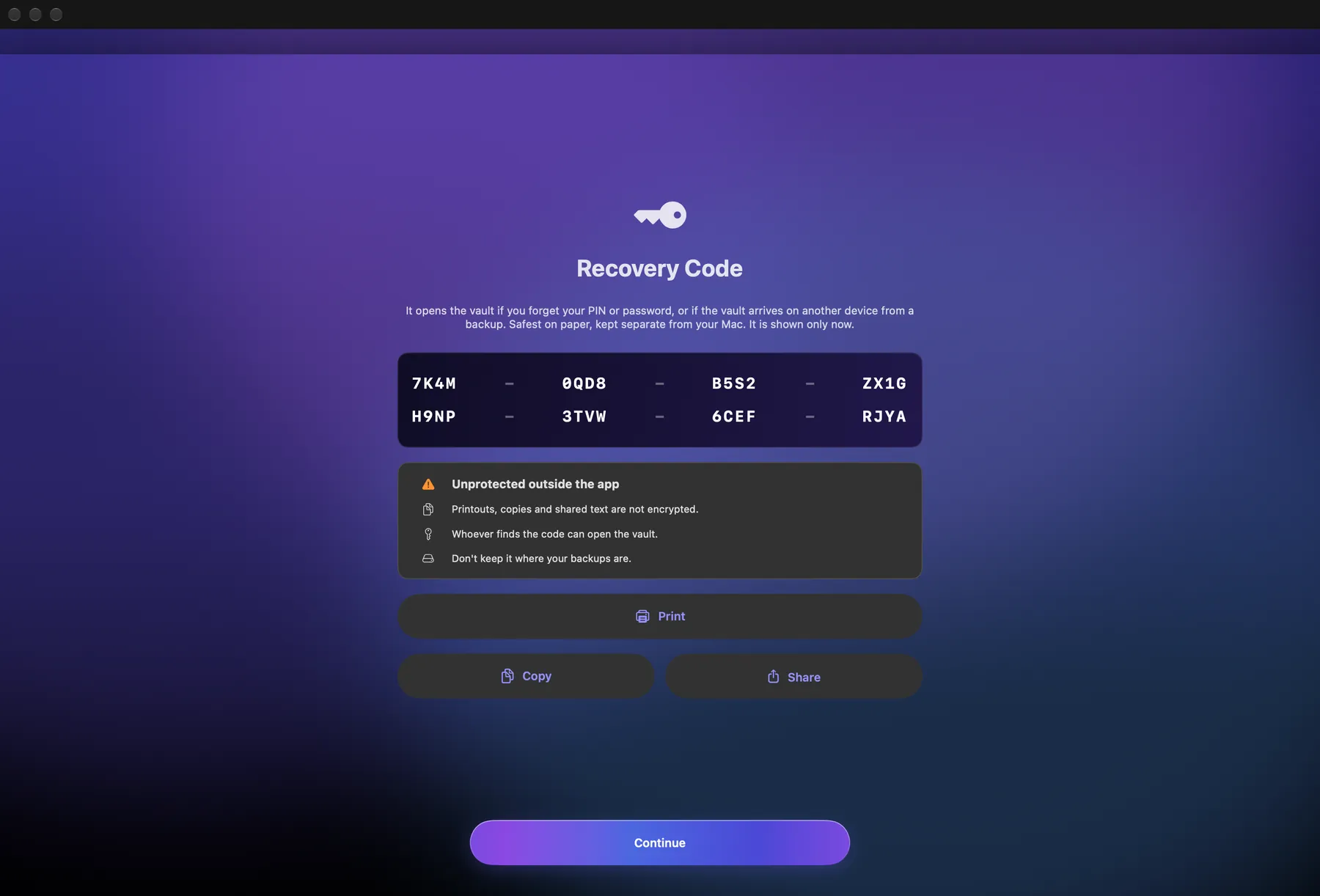
Recovery code
32 characters for emergencies. Without the PIN or password and without this code, nobody gets to the data.
Hidden while recording
While the screen is recorded or mirrored, Datatresor hides its content. Face ID or Touch ID can be added as an extra step.
Features
Everything that should stay private.
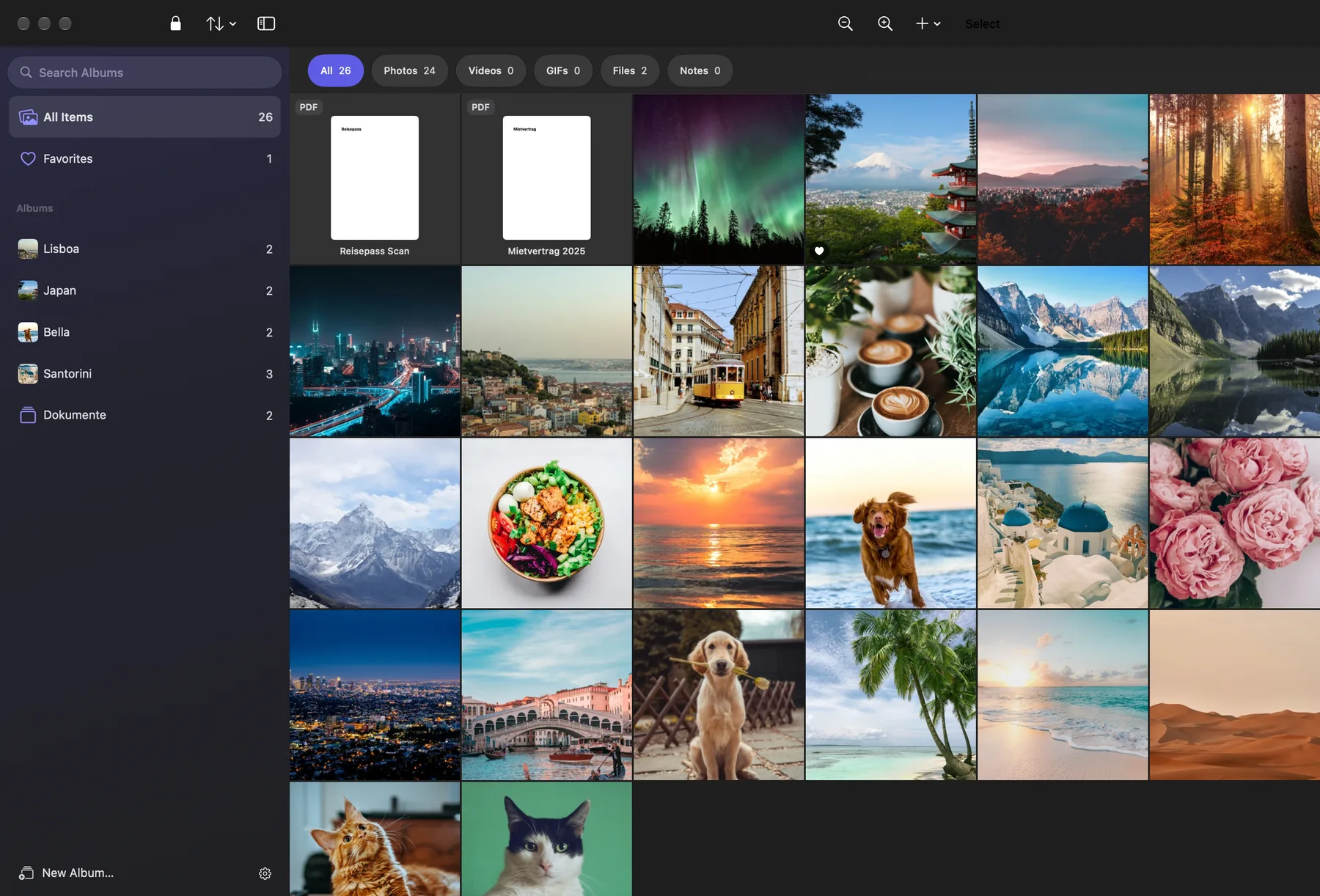
Photos and videos in the original, documents of any kind, and notes you write right inside the vault.
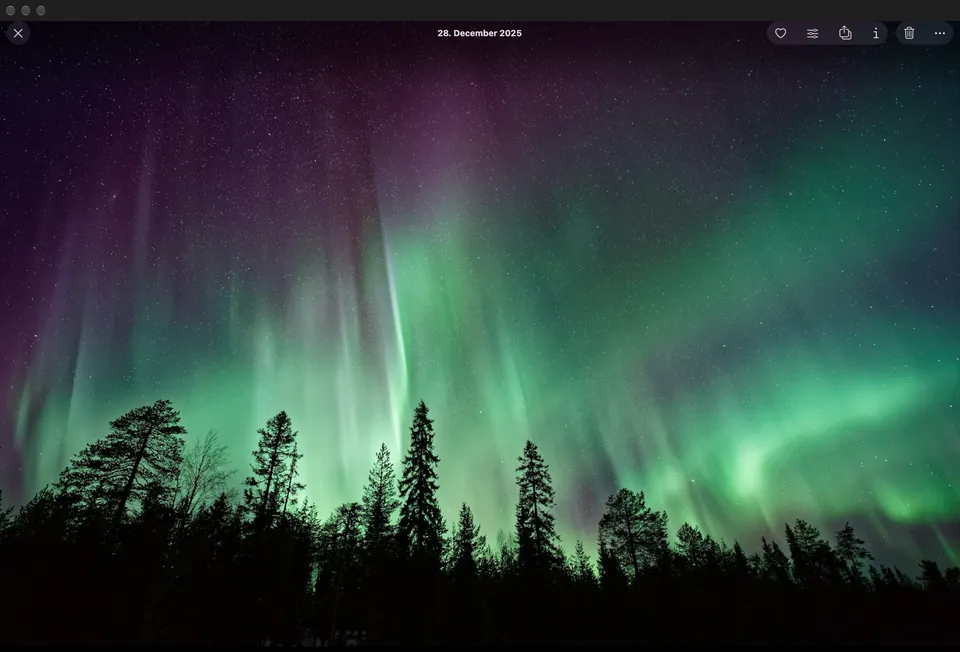
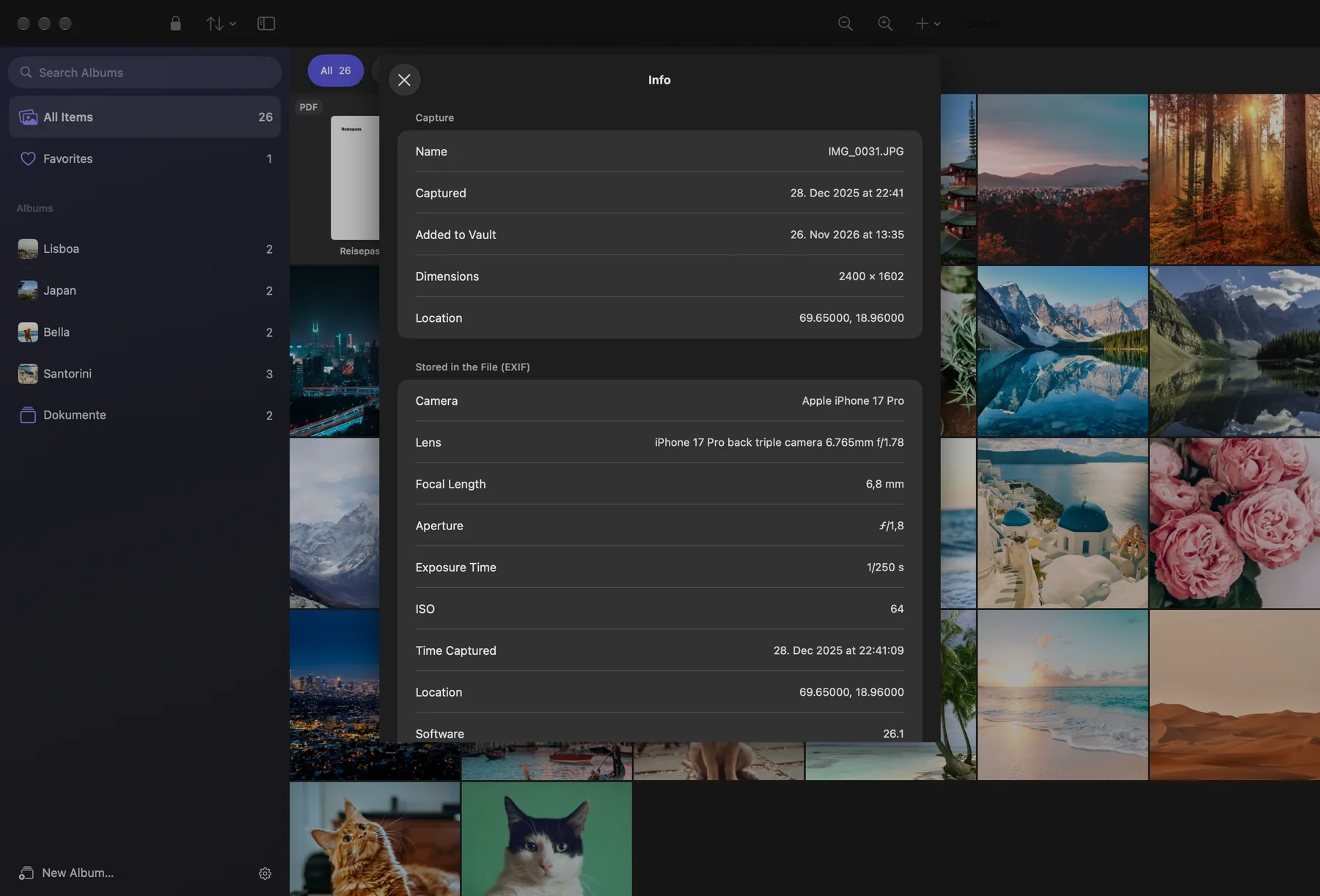
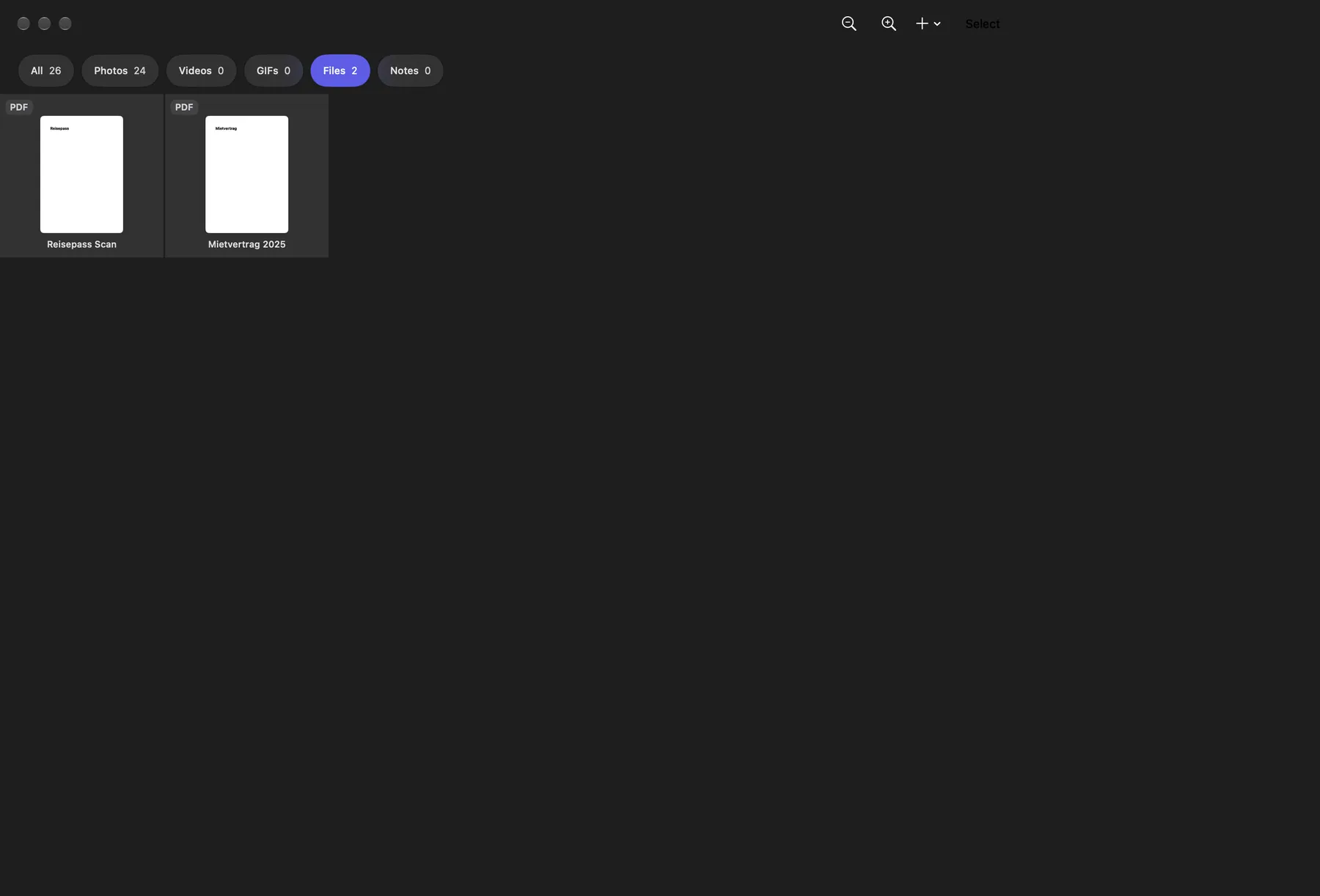
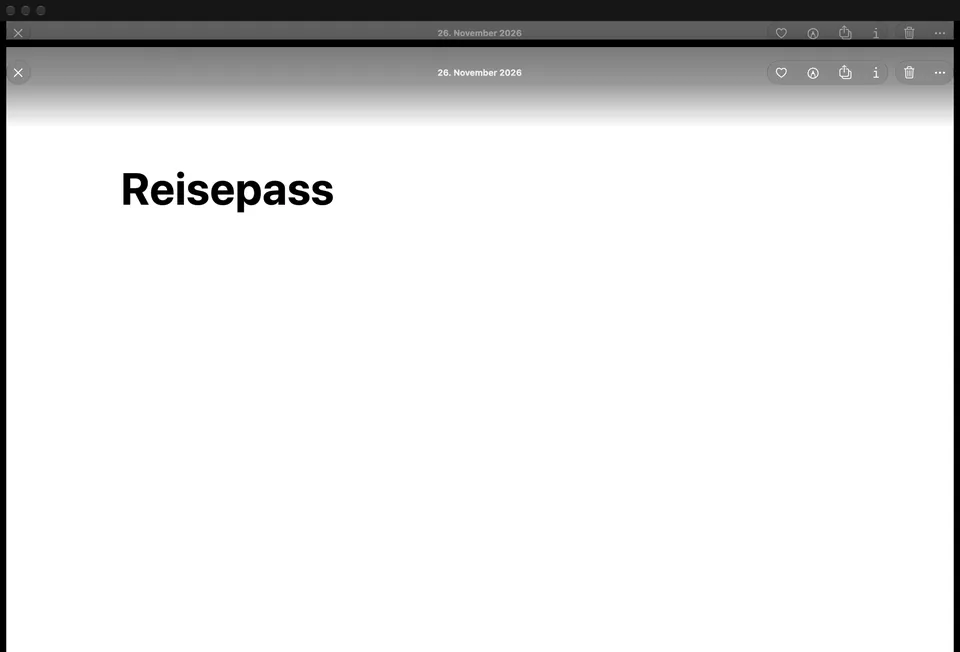
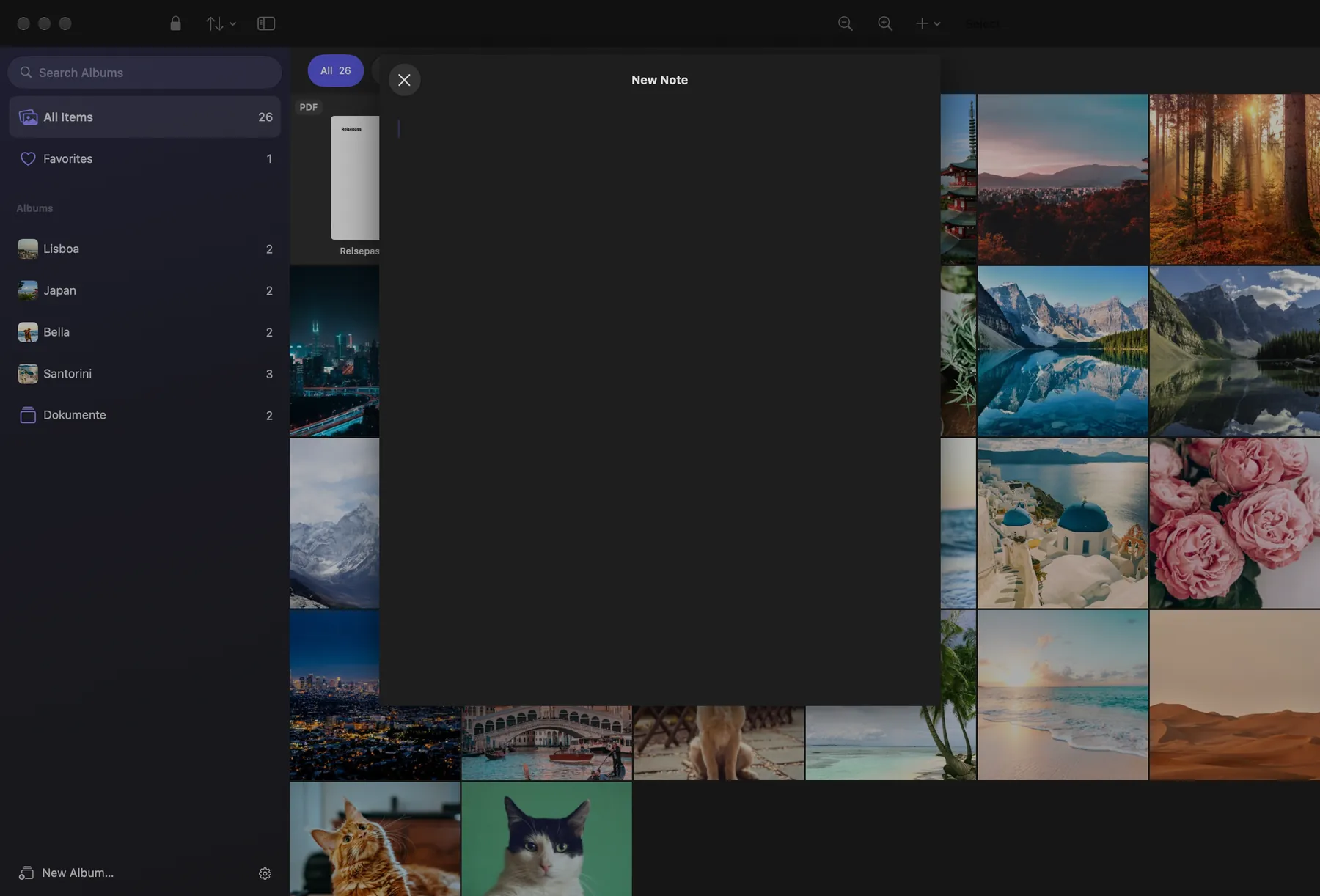
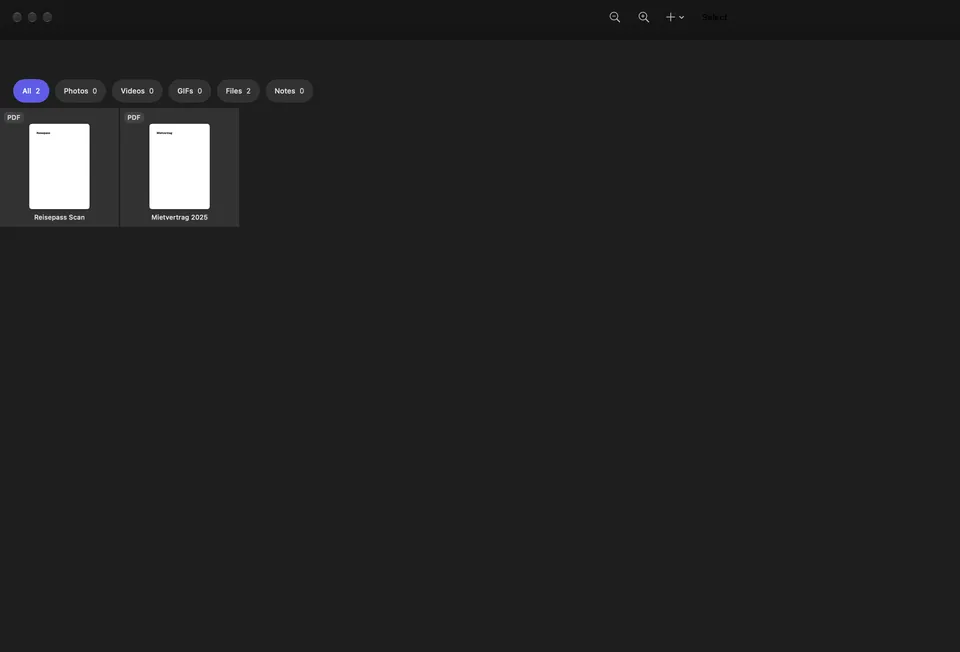
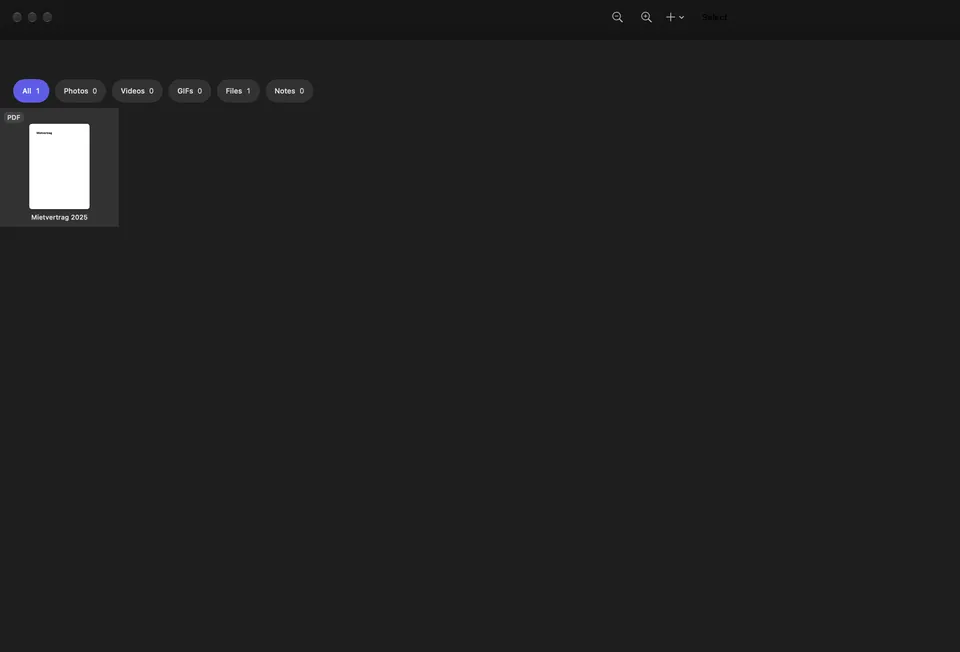
Photos and videos in the original
Byte for byte, Live Photos and RAW included, with location, time and camera. Shots from the built-in camera go straight into the vault.
Any file
PDF, Word, Excel, PowerPoint, audio recordings and everything else, even GarageBand and Logic projects.
Notes
With headings, bold, italics and lists, written right inside the vault.
Albums and search
Albums, favorites, filters by type and a search across the whole vault.
In and out
From your photo library, from Files, through the share sheet of any app and, on the Mac, from the Finder. Back to the photo library in original format and quality.
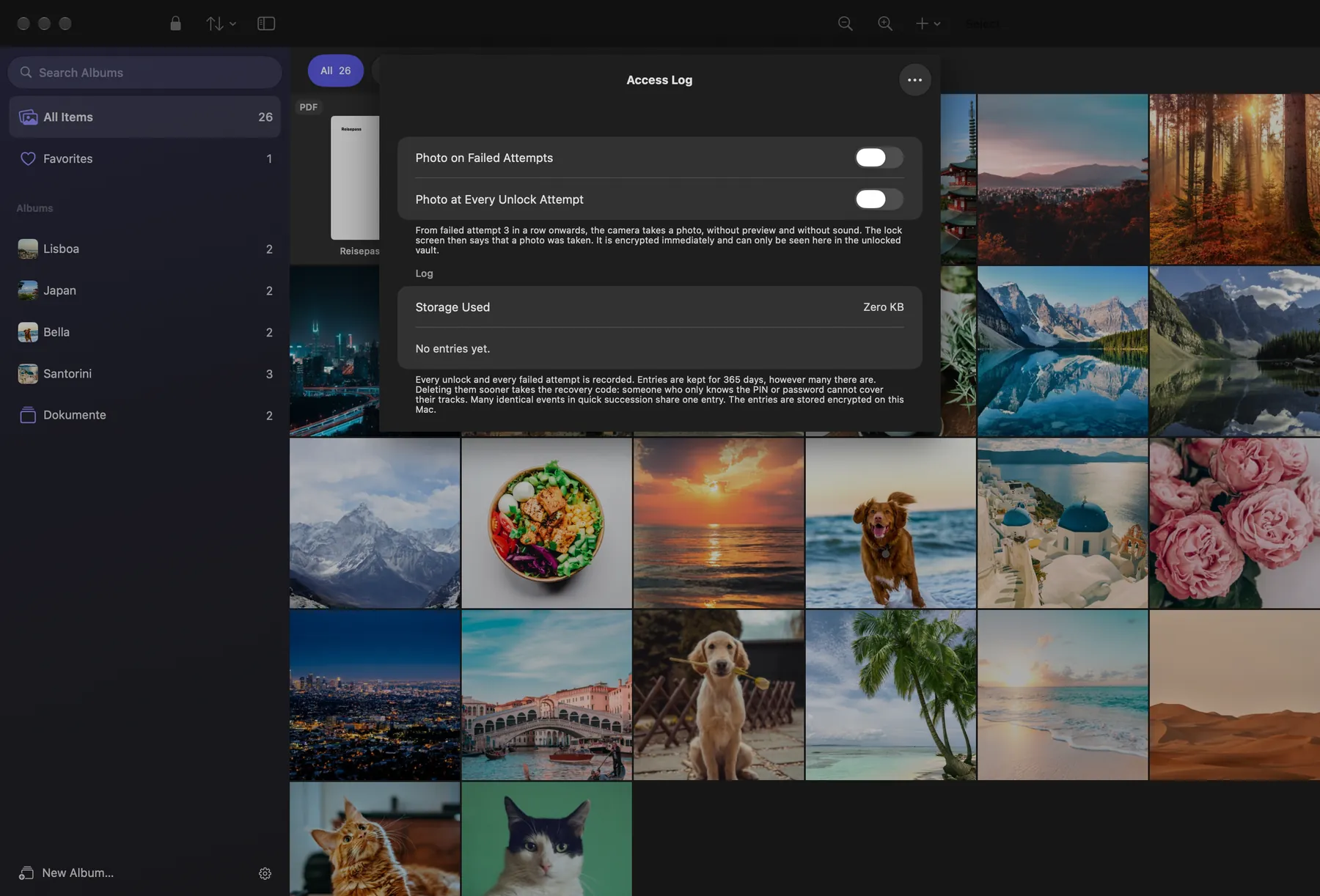
Access log
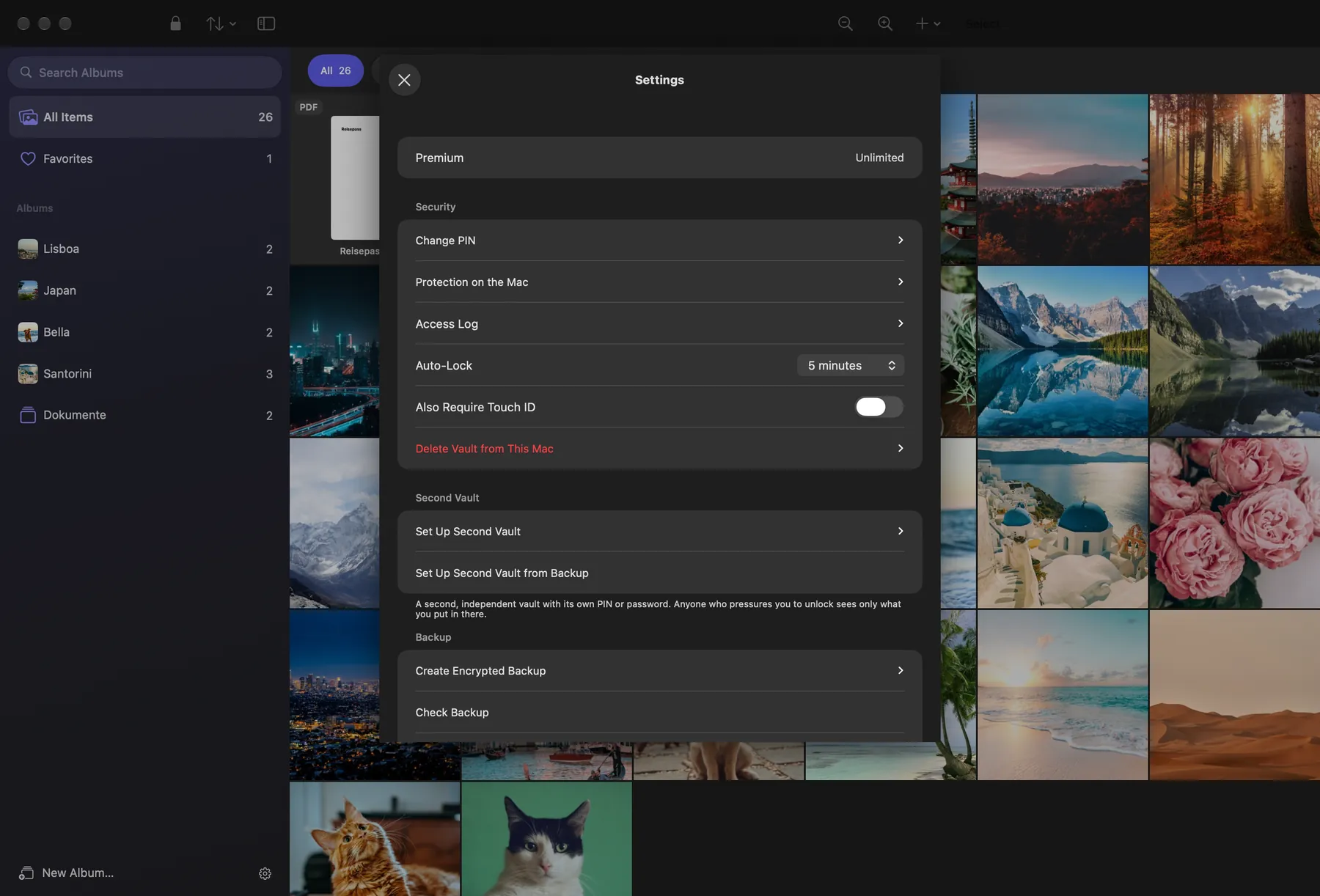
Every access, every failed attempt and, on iPhone and iPad, every screenshot, recorded and encrypted. It can only be cleared early with the recovery code.
Photo on failed attempts
If you like, the camera takes a photo: from the failed attempt you choose, or on every attempt. The photo goes into the log, encrypted.
Locks by itself
When you leave the app, after a time without input and, if you like, when you turn the iPhone face down. On the Mac also when you close the window or the Mac sleeps.
Backup without a cloud
The whole vault as one encrypted file in a place you choose. With the recovery code you bring everything to a new device.
Extras
Edit without anything leaving.
Editor, markup, collages and GIFs are built in. Everything is made inside the vault and stays there.
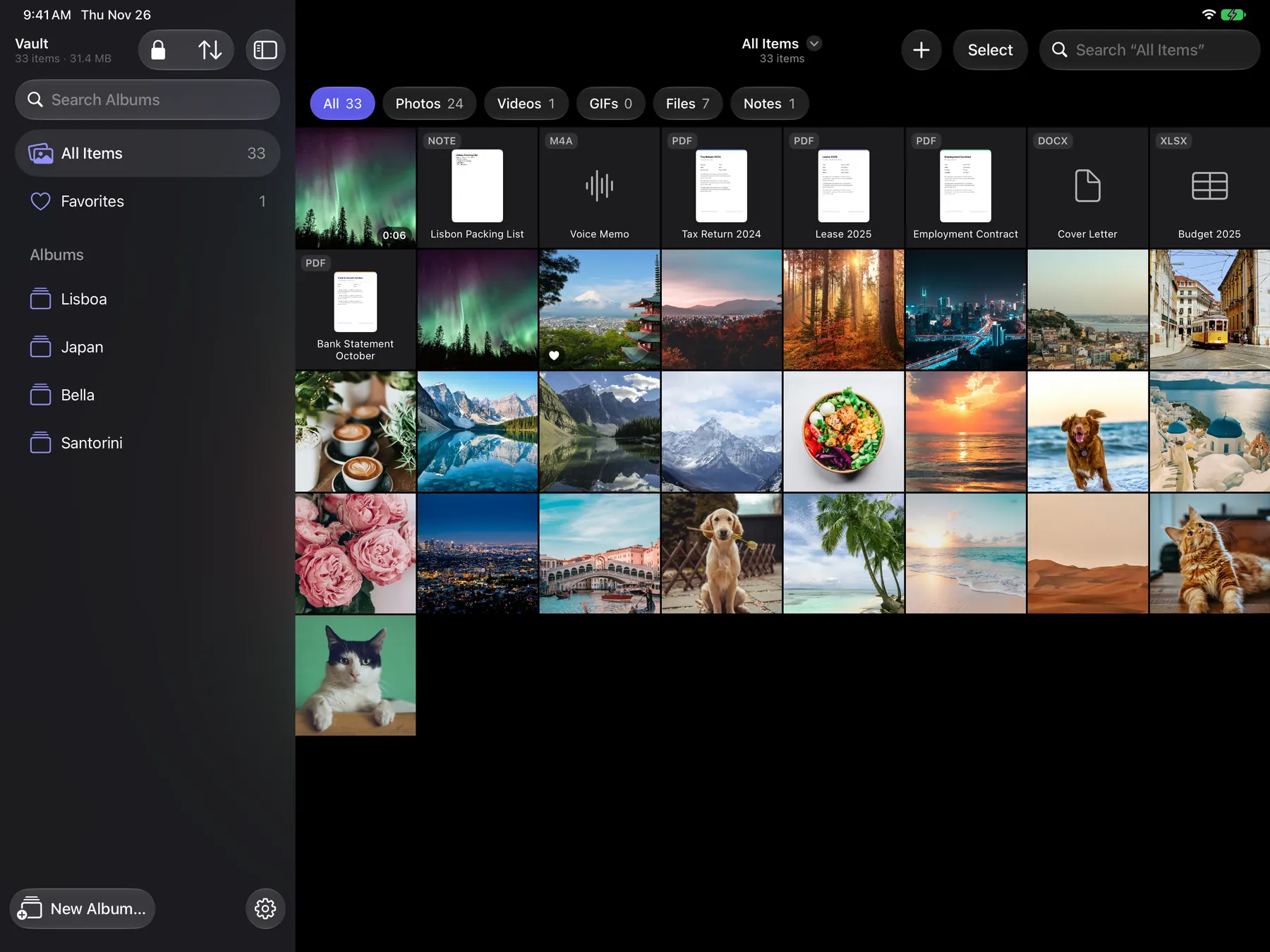
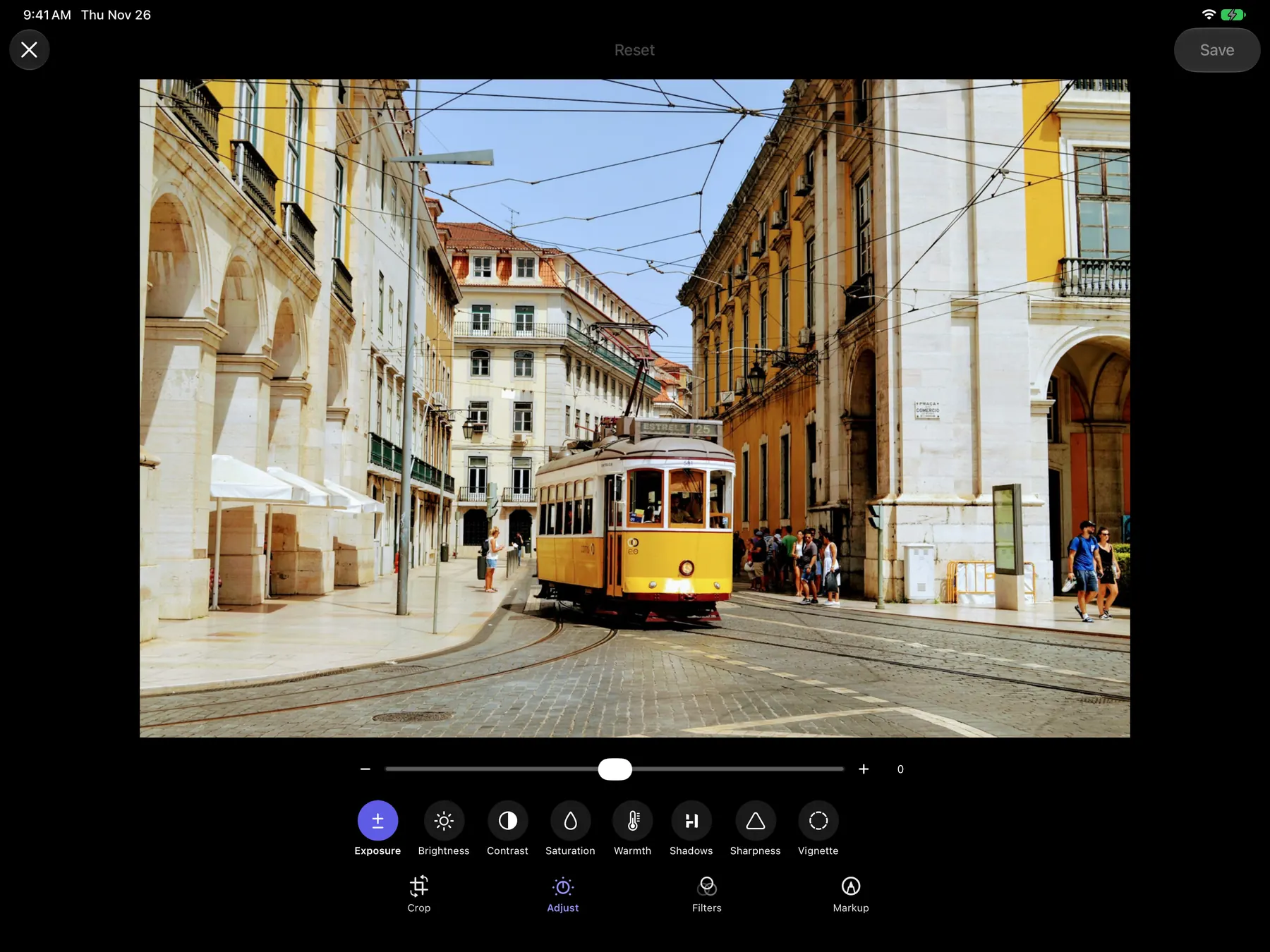
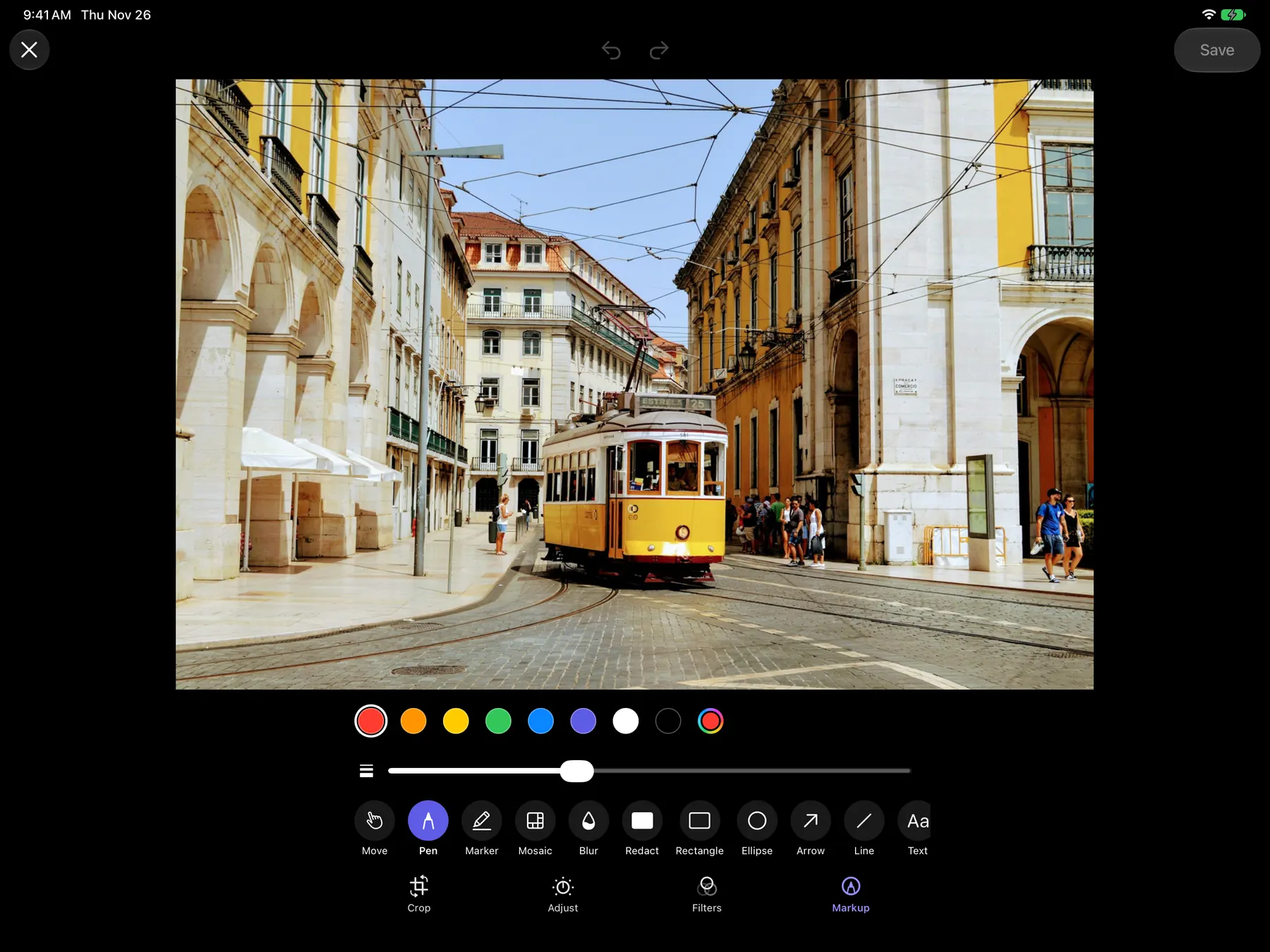
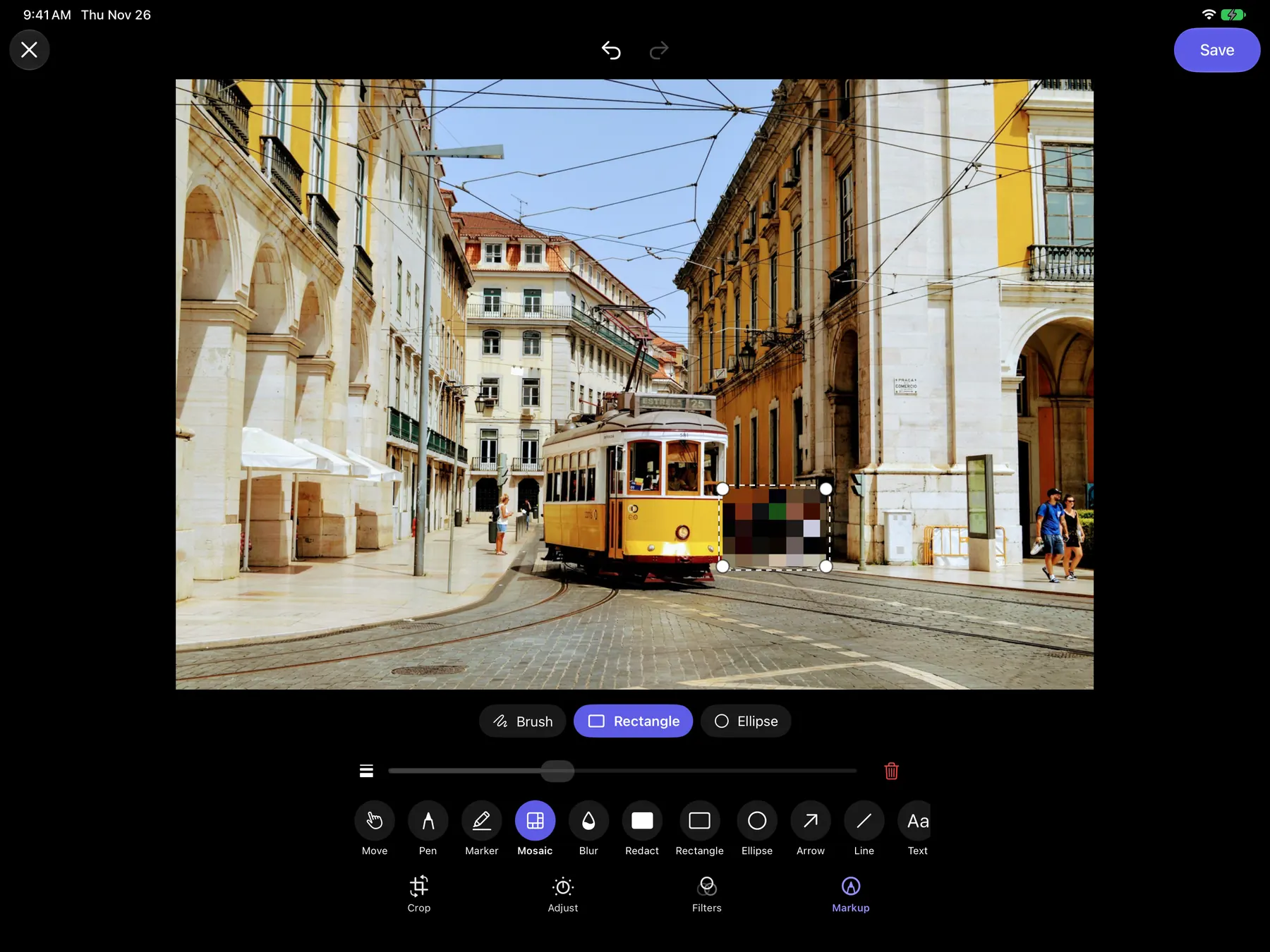
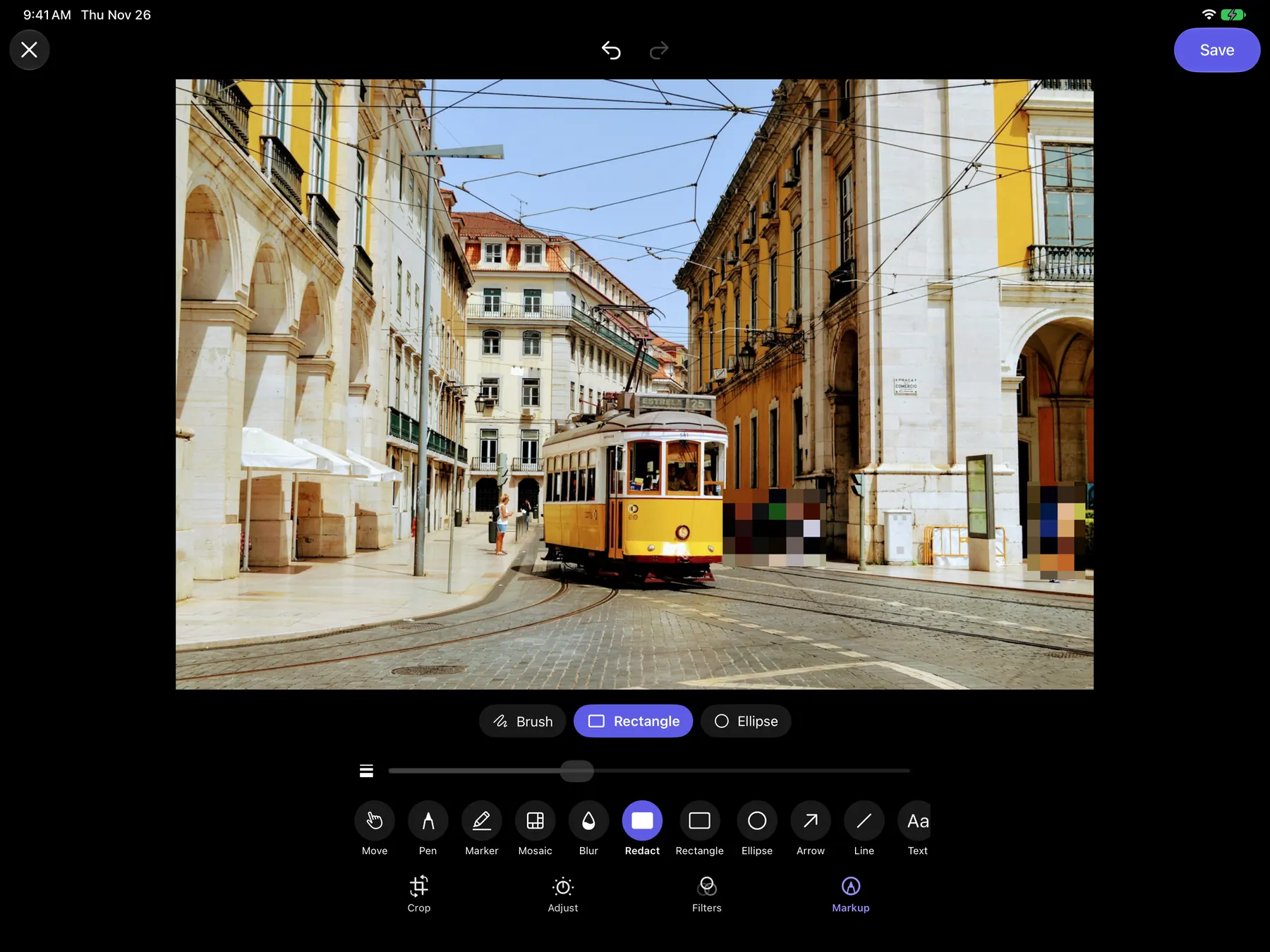
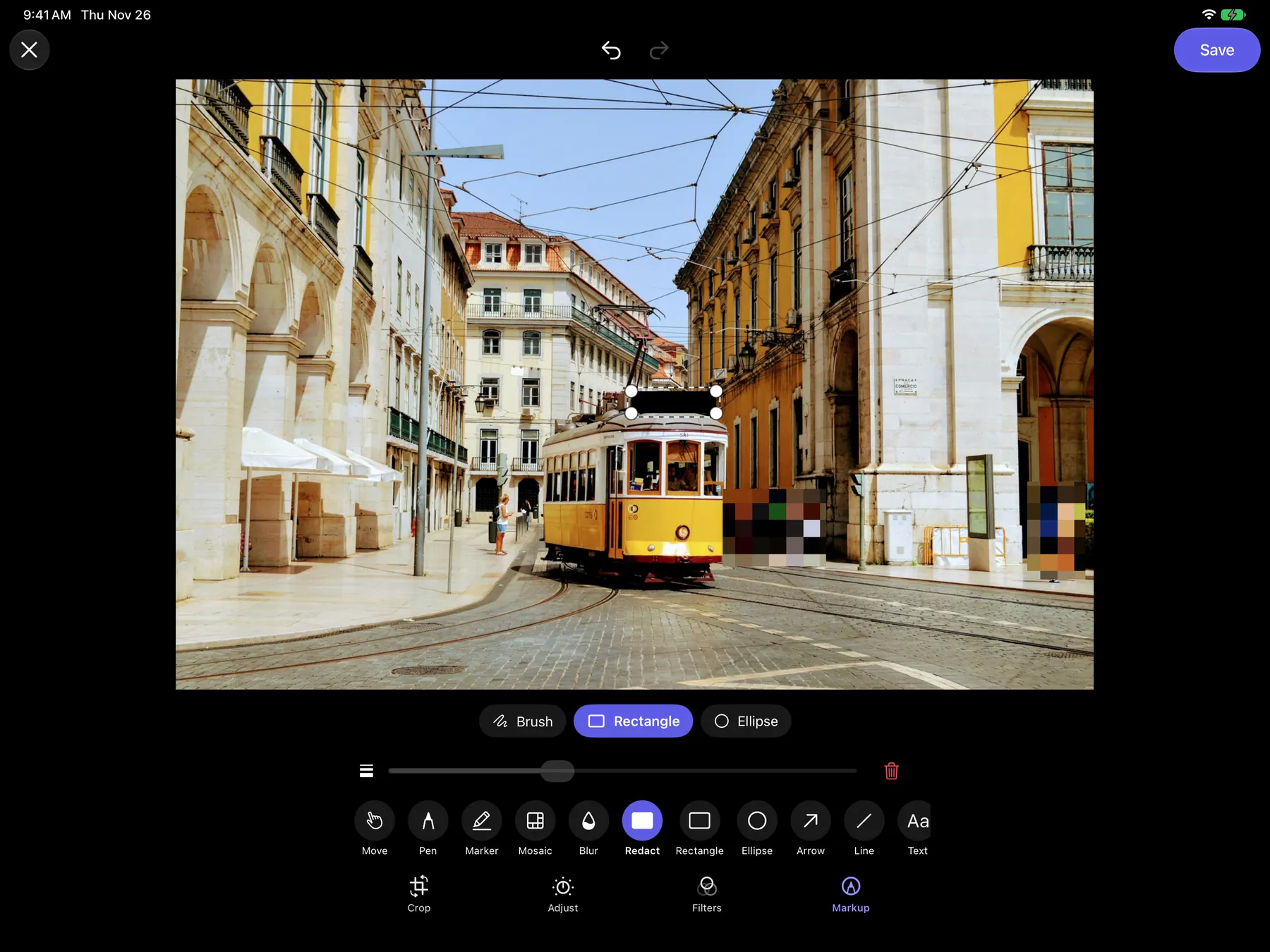
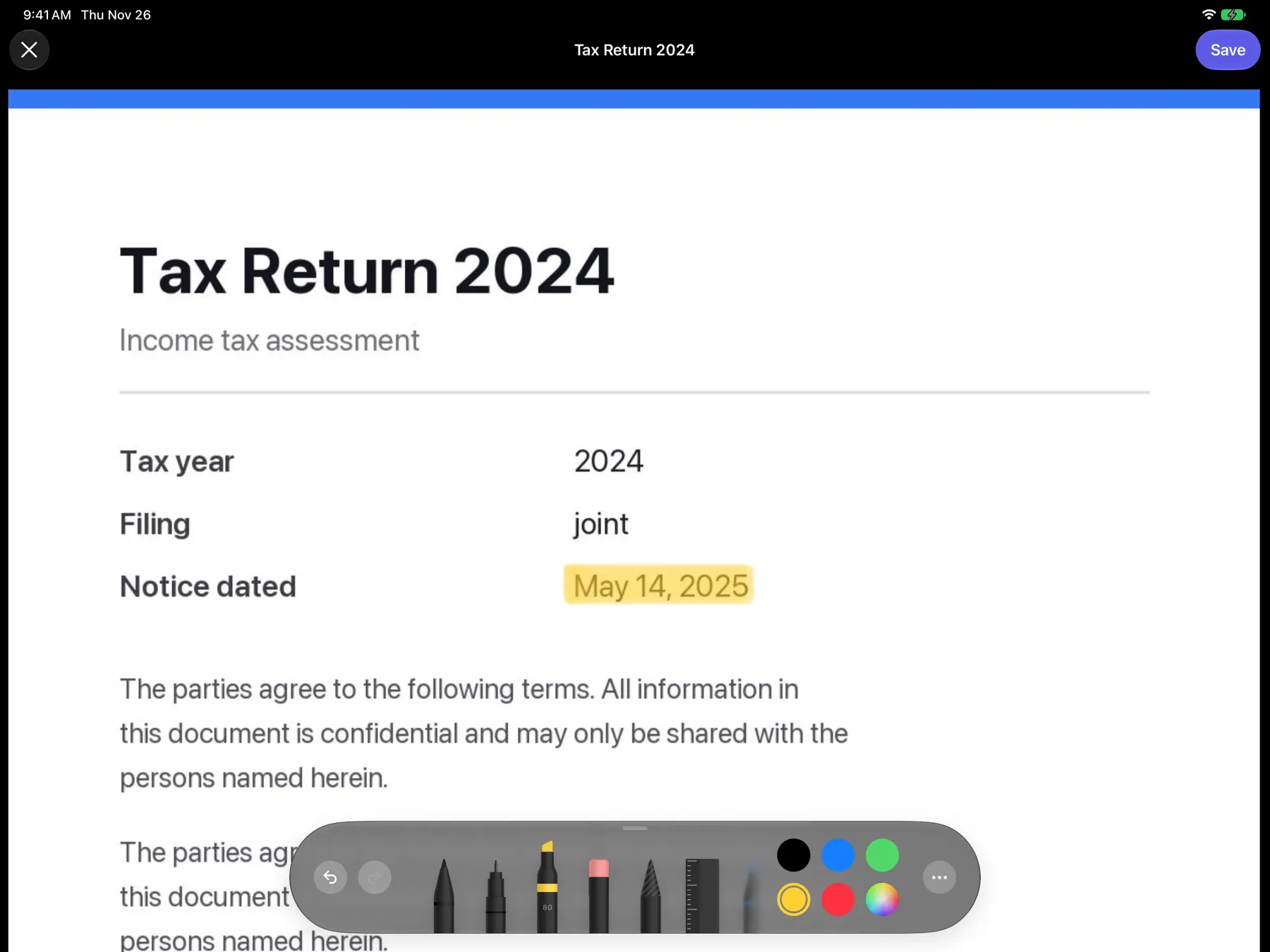
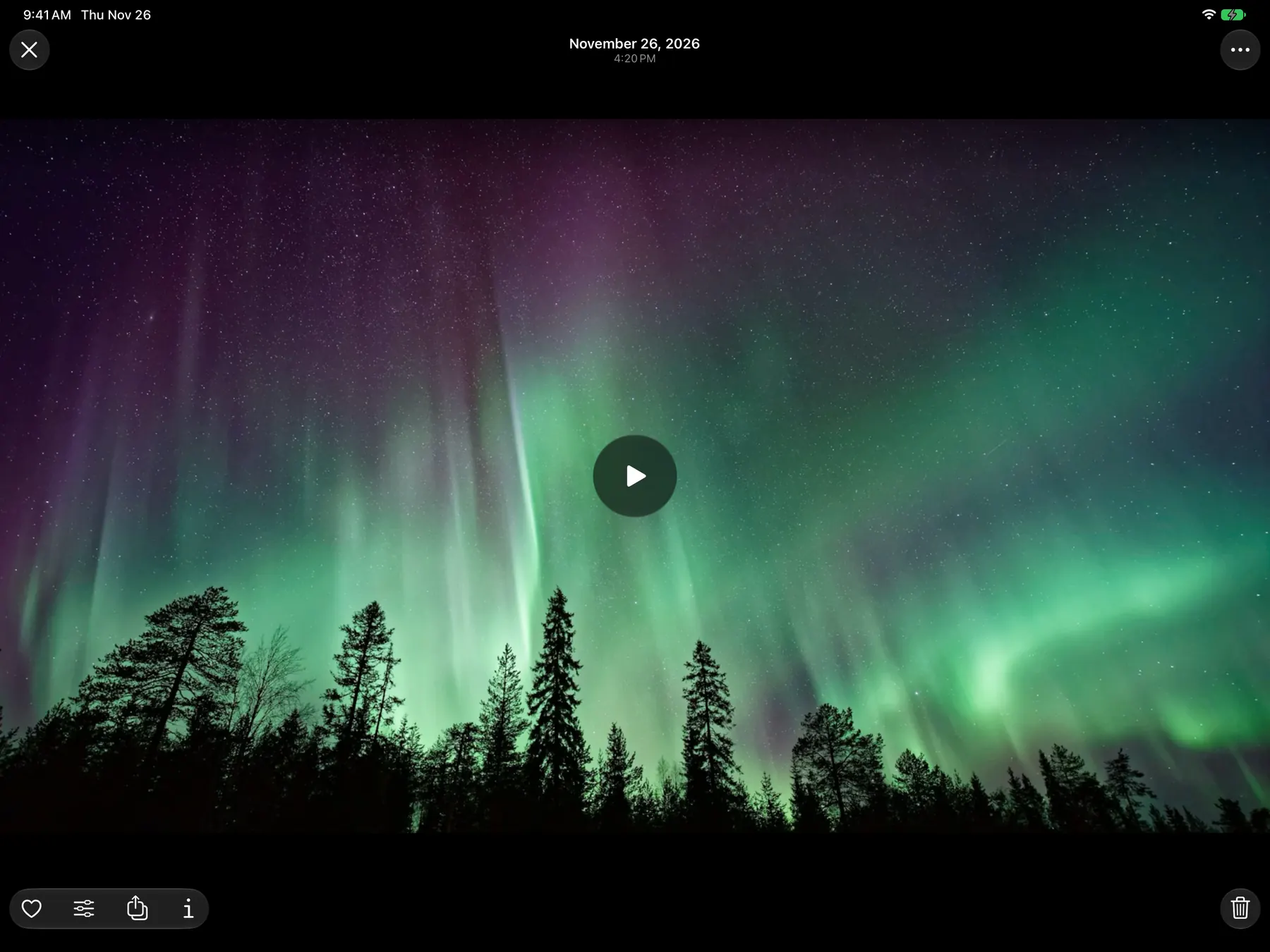
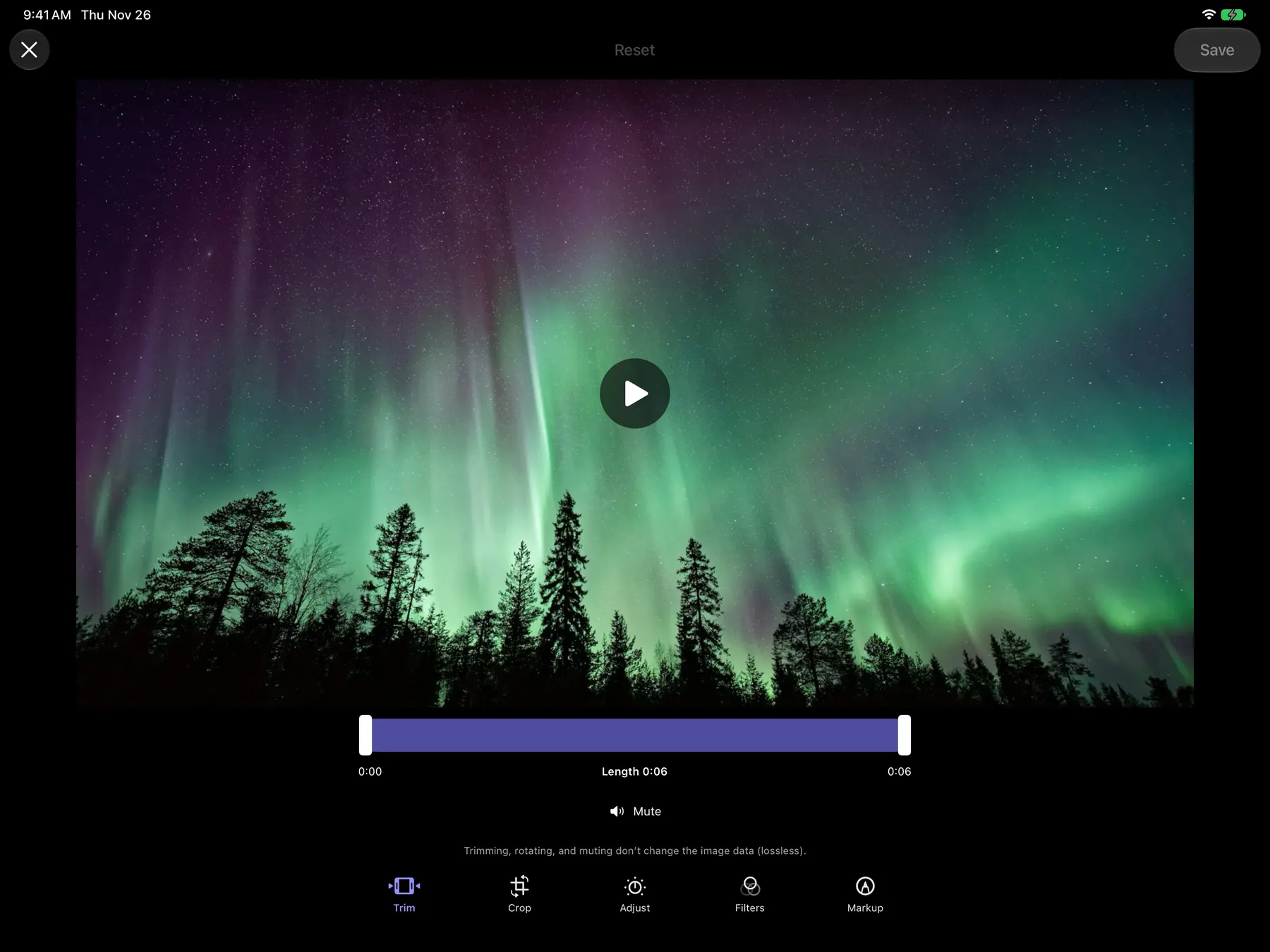
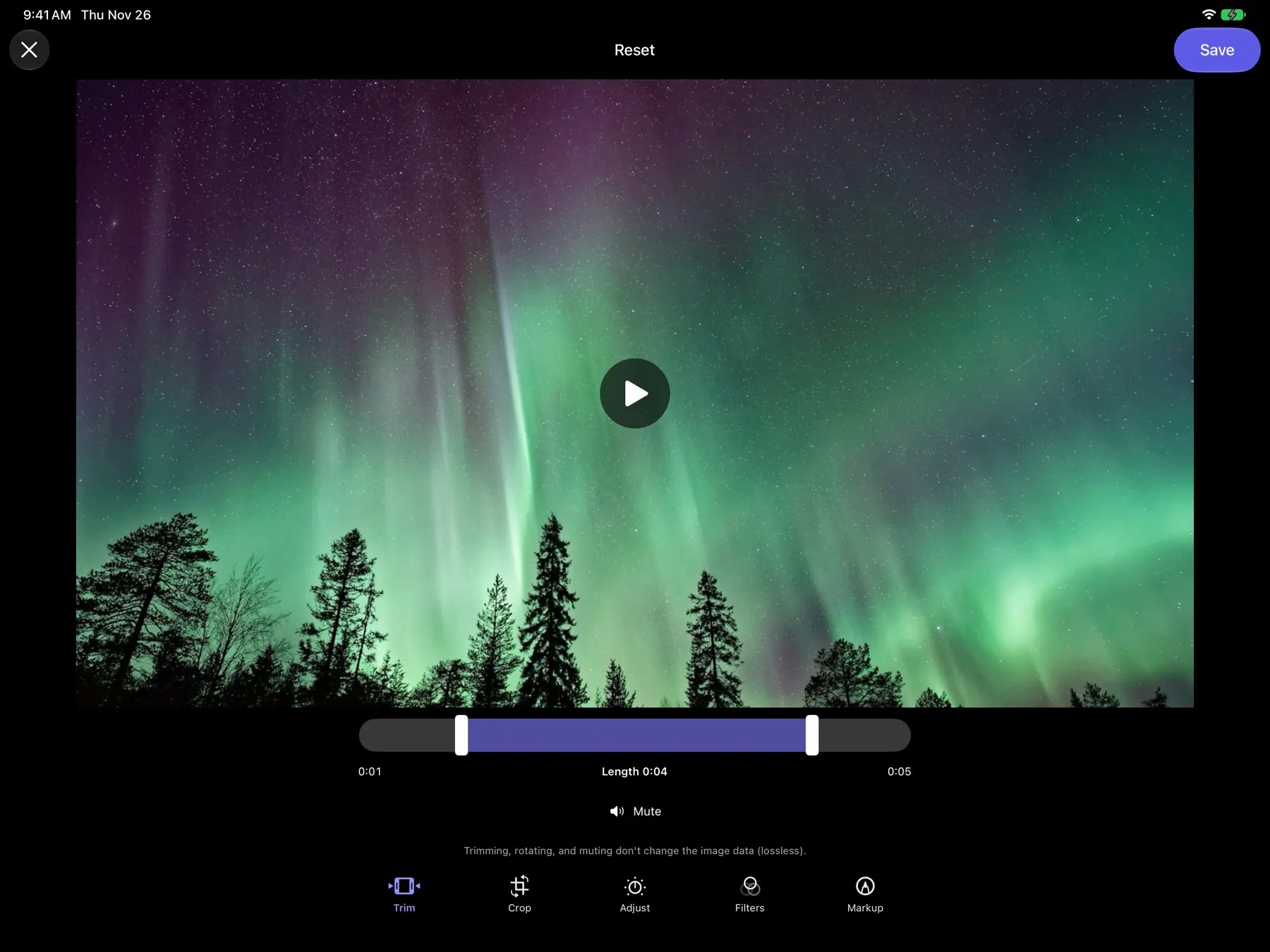
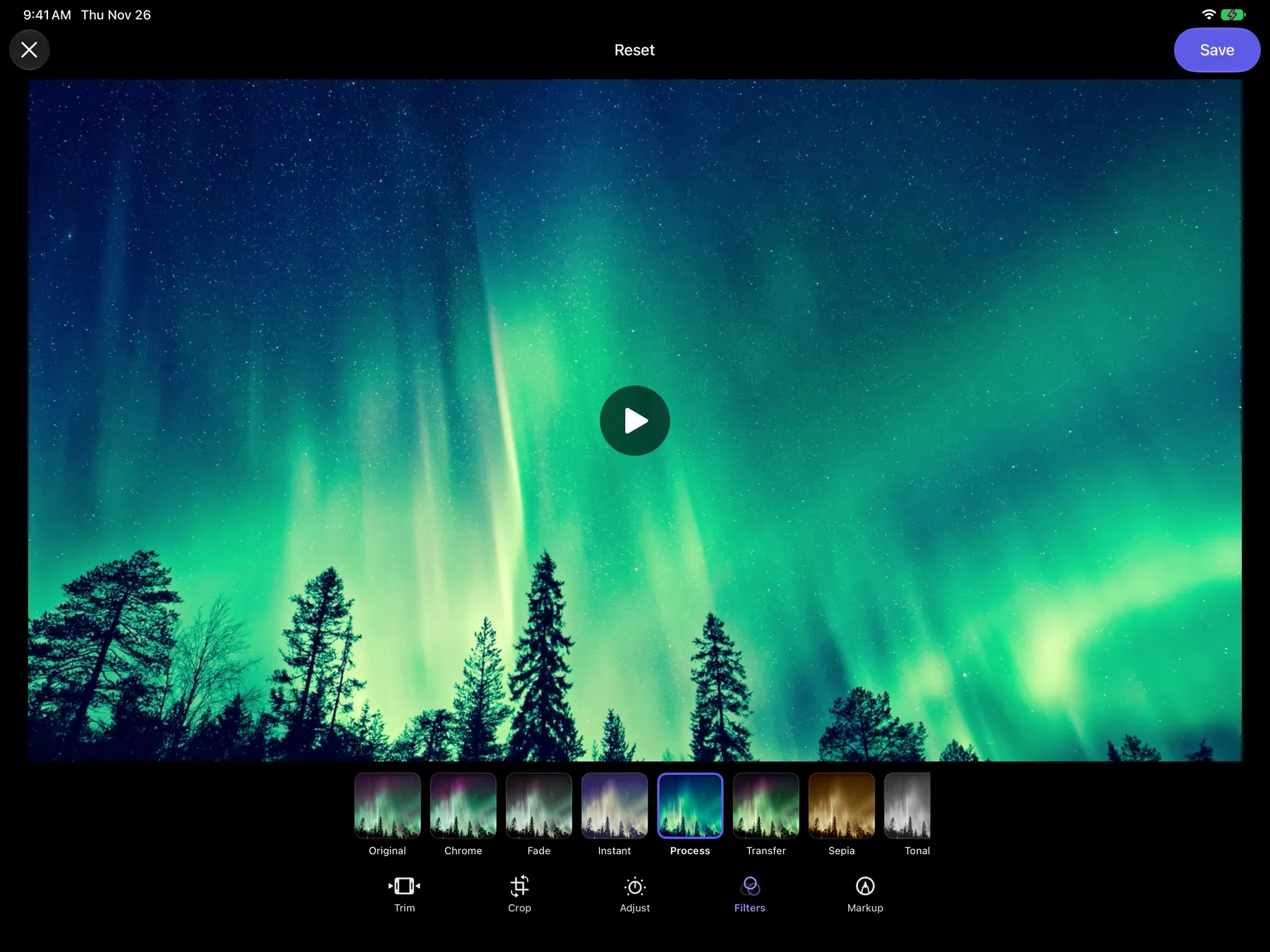
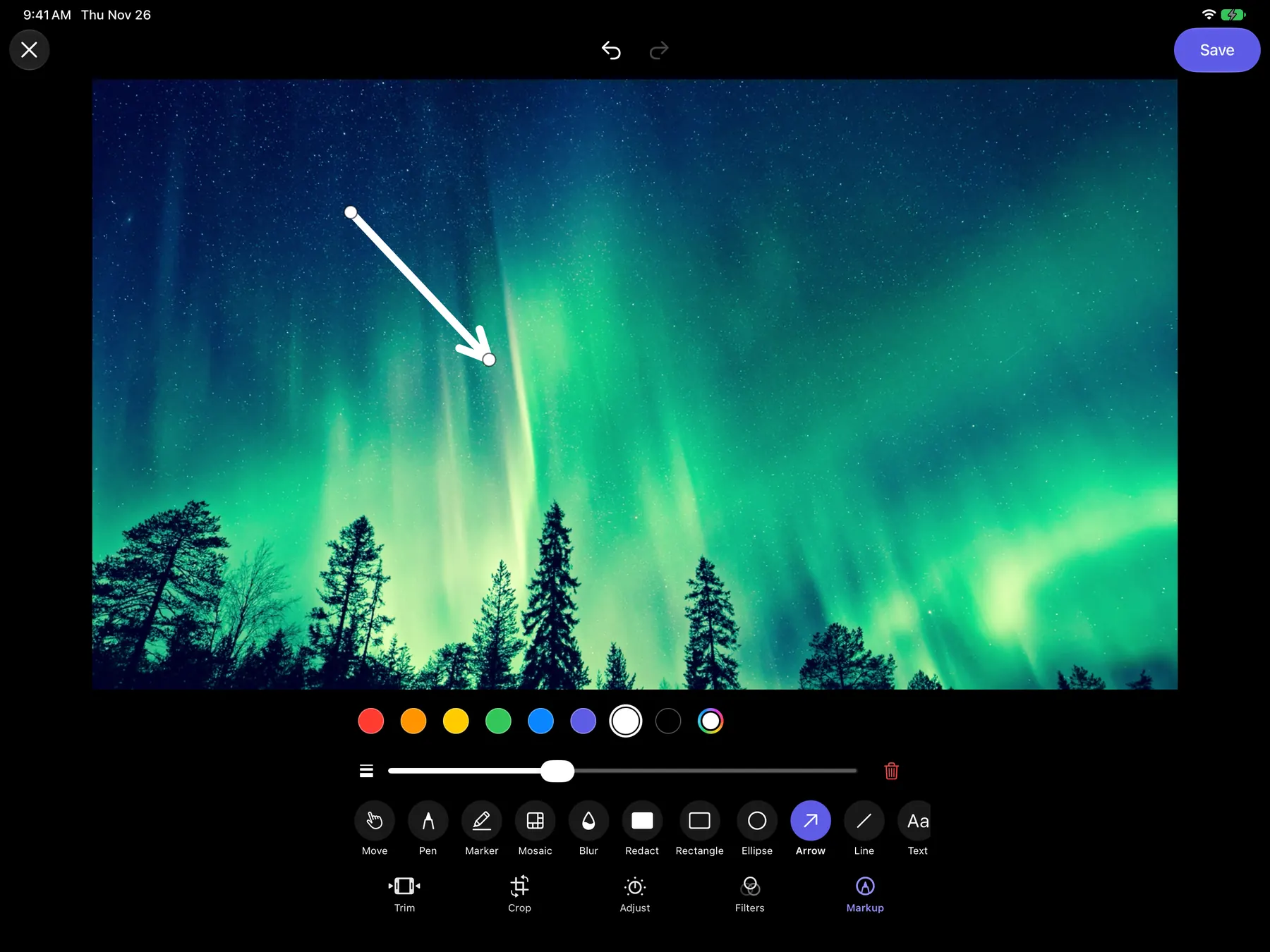
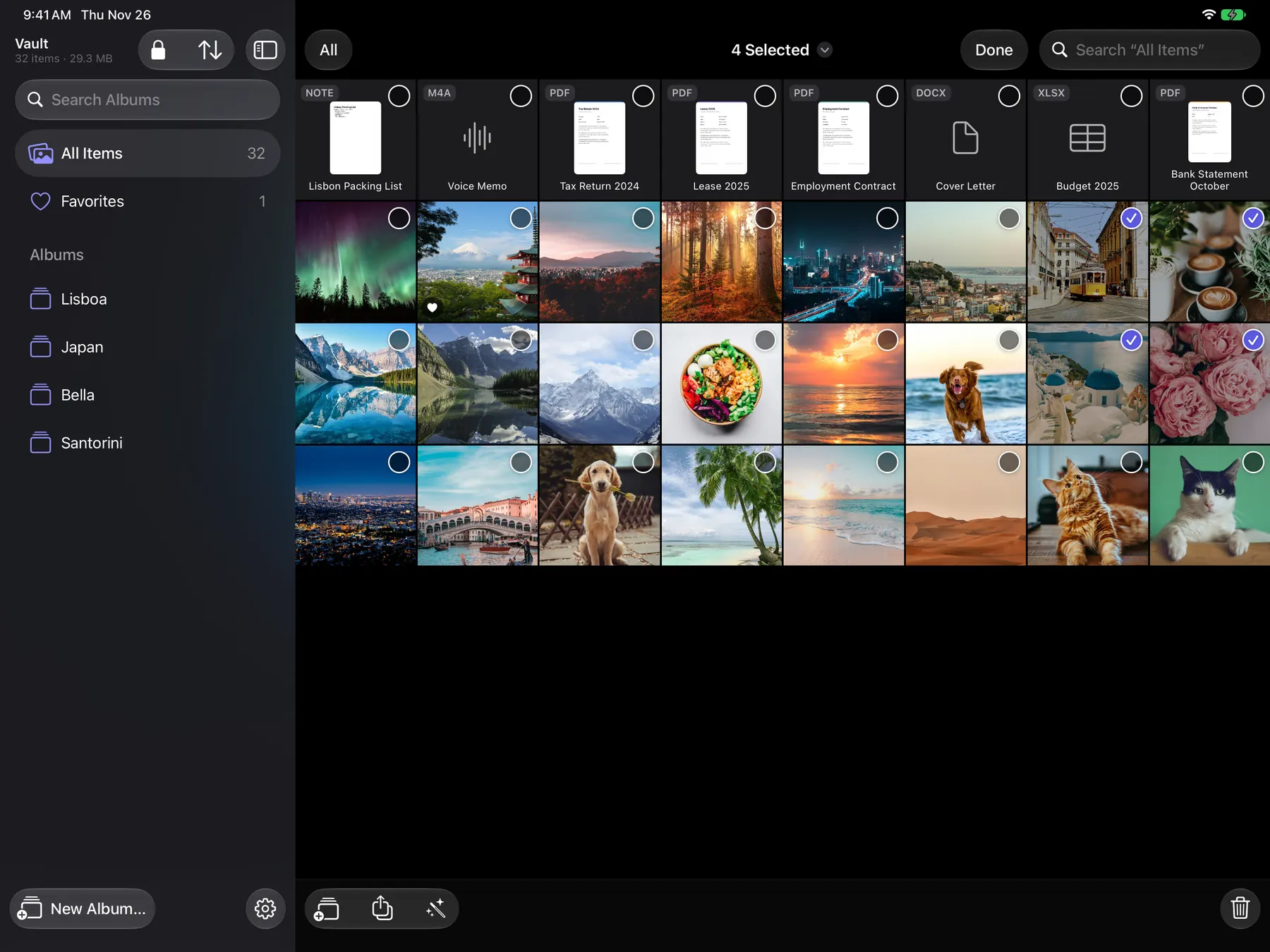
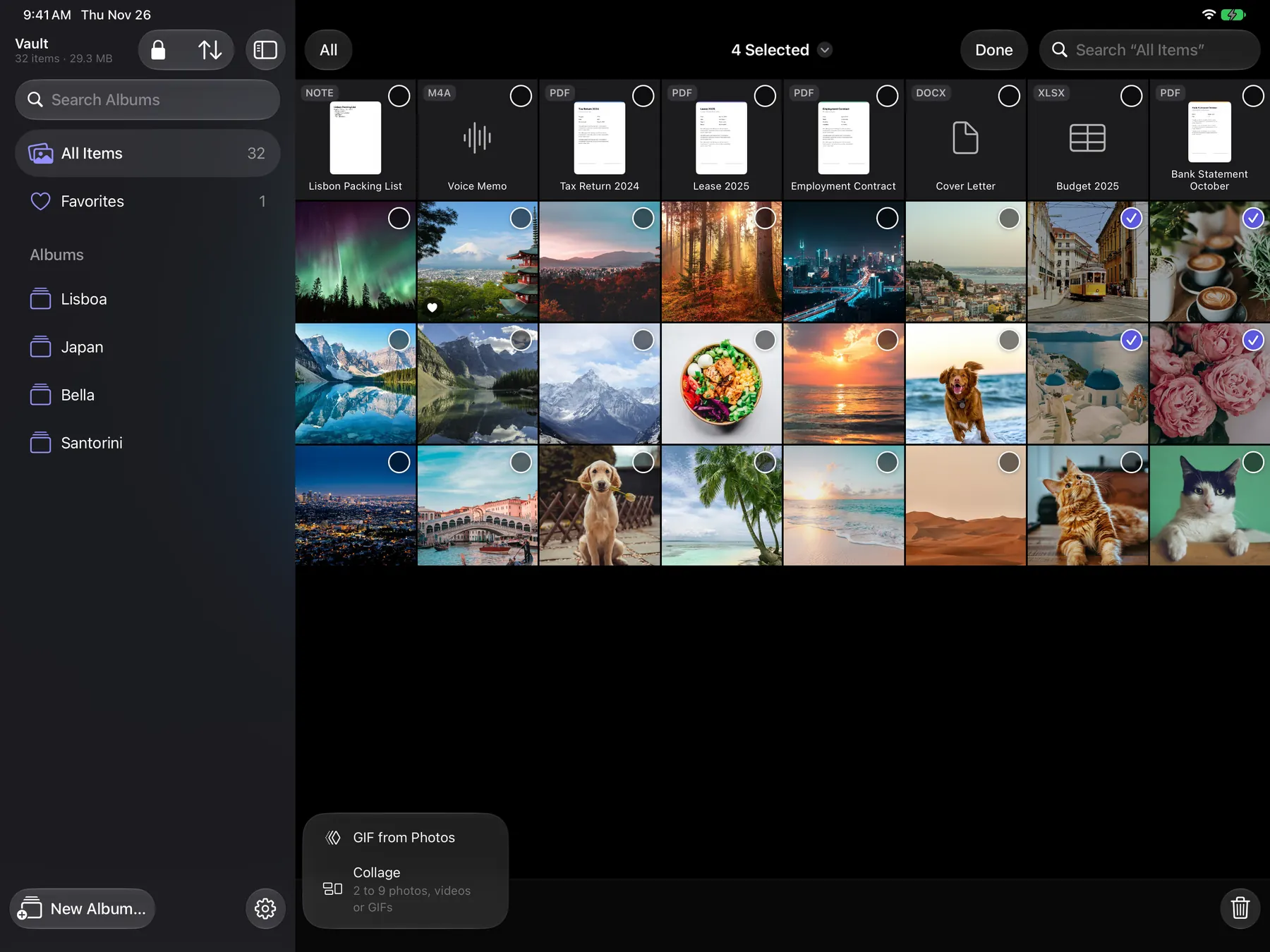
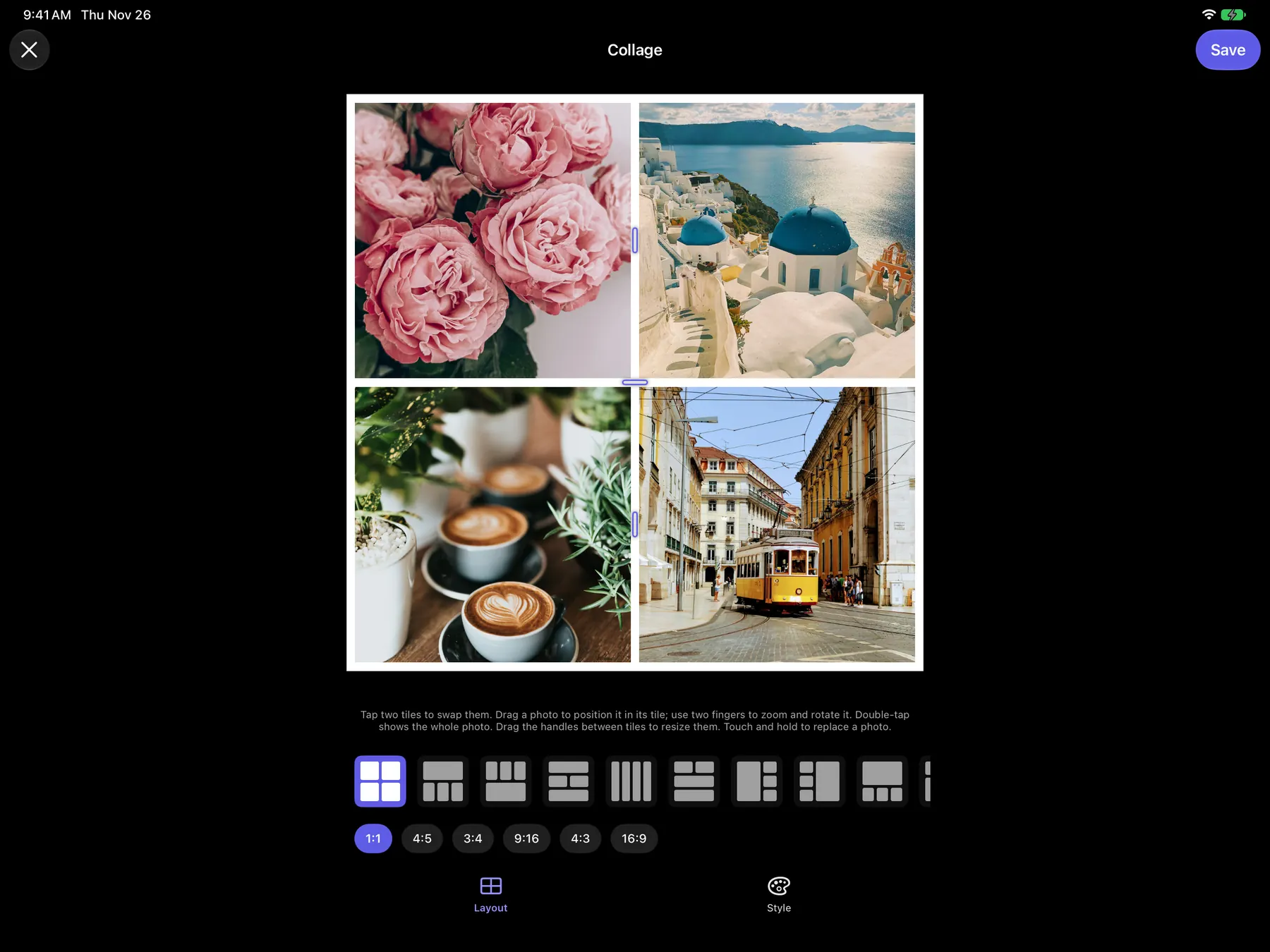
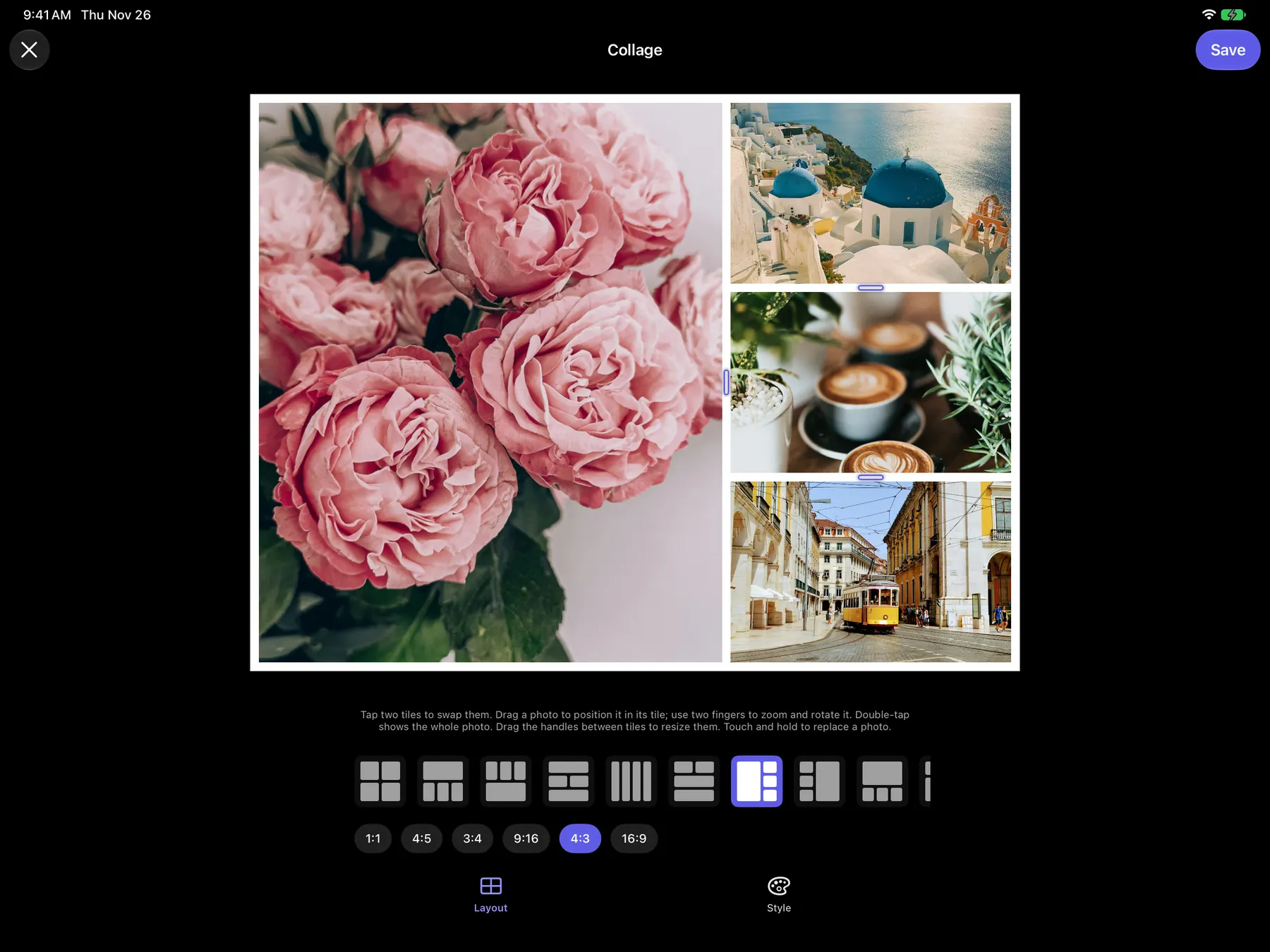
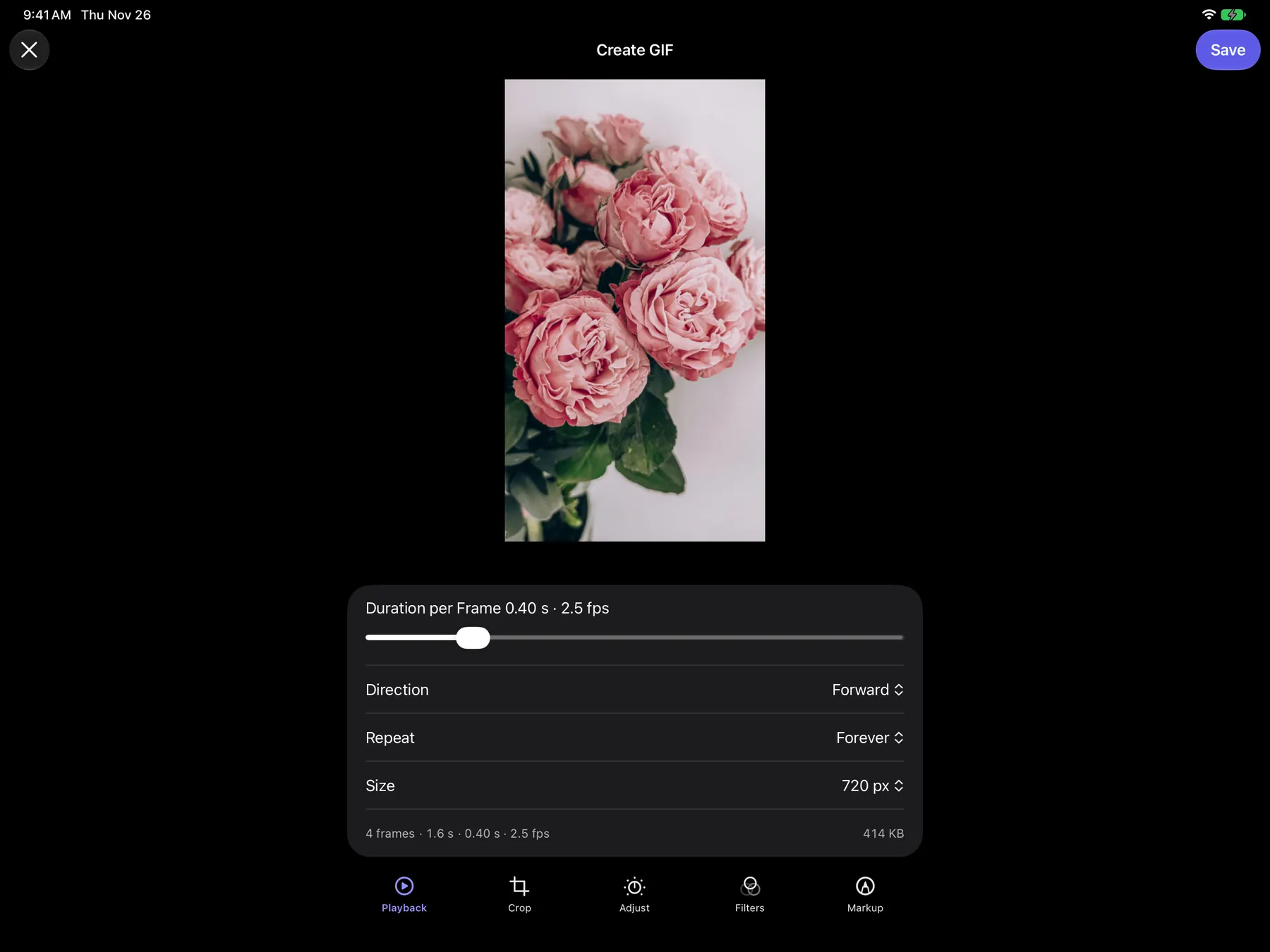
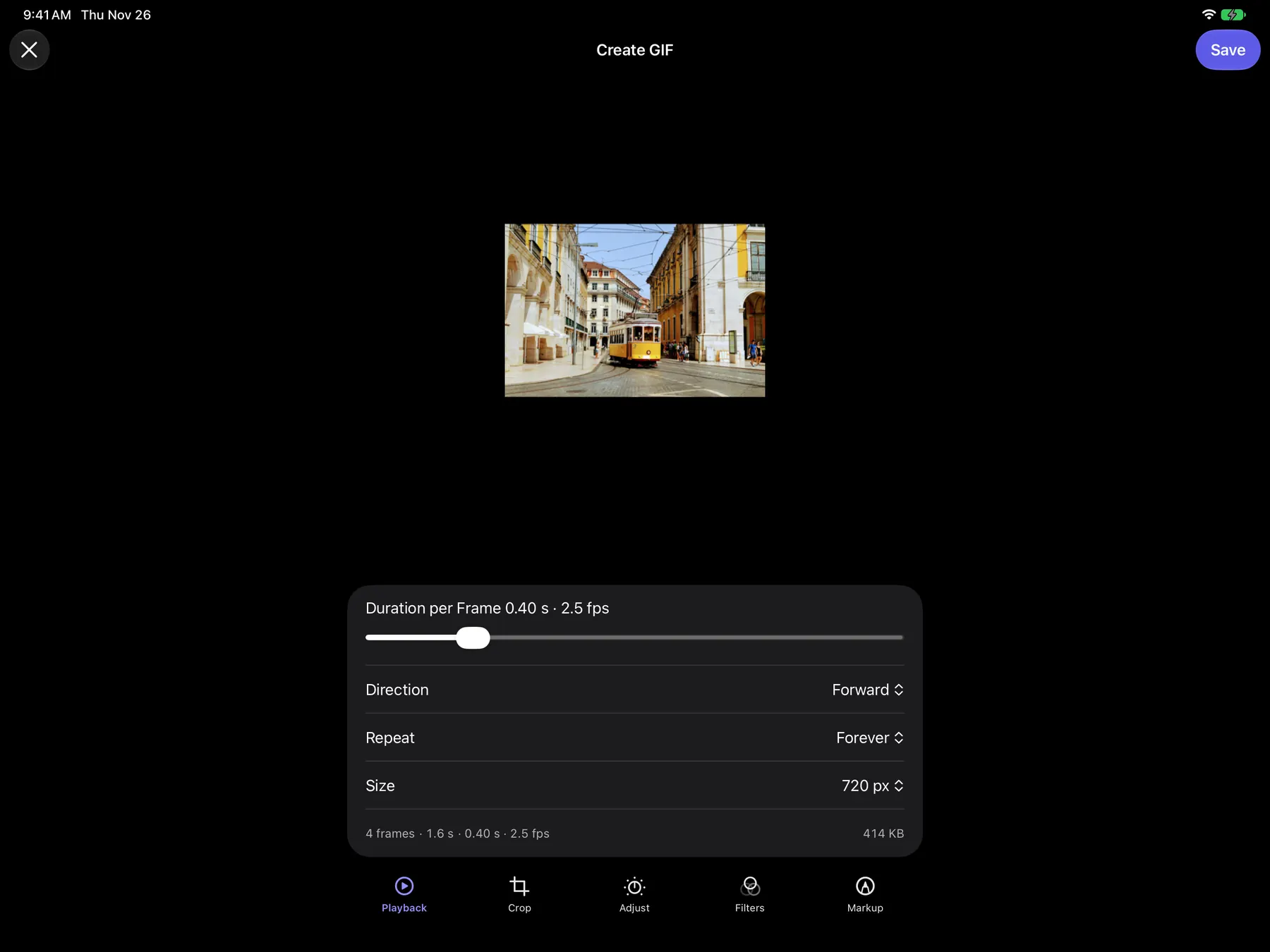
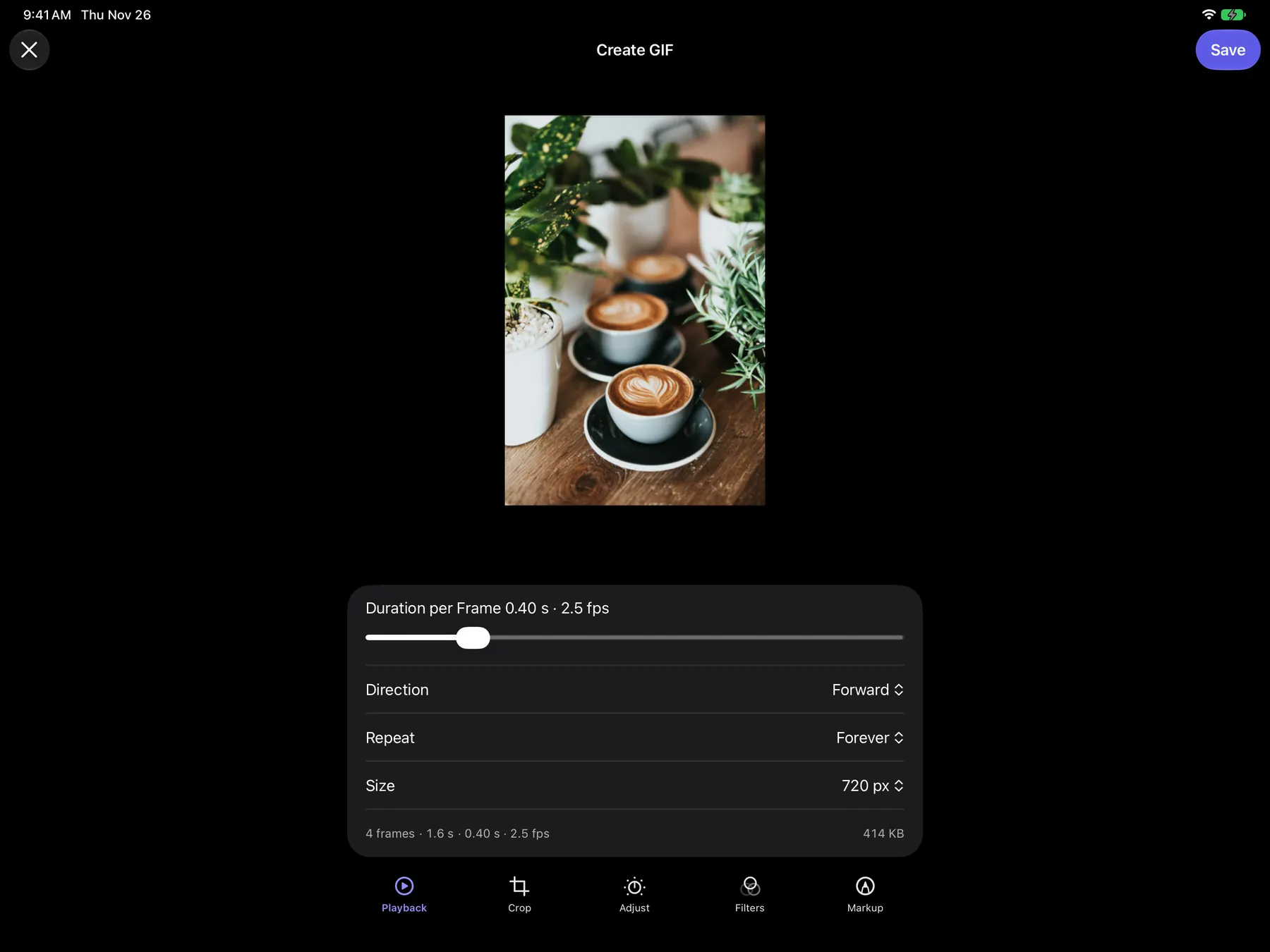
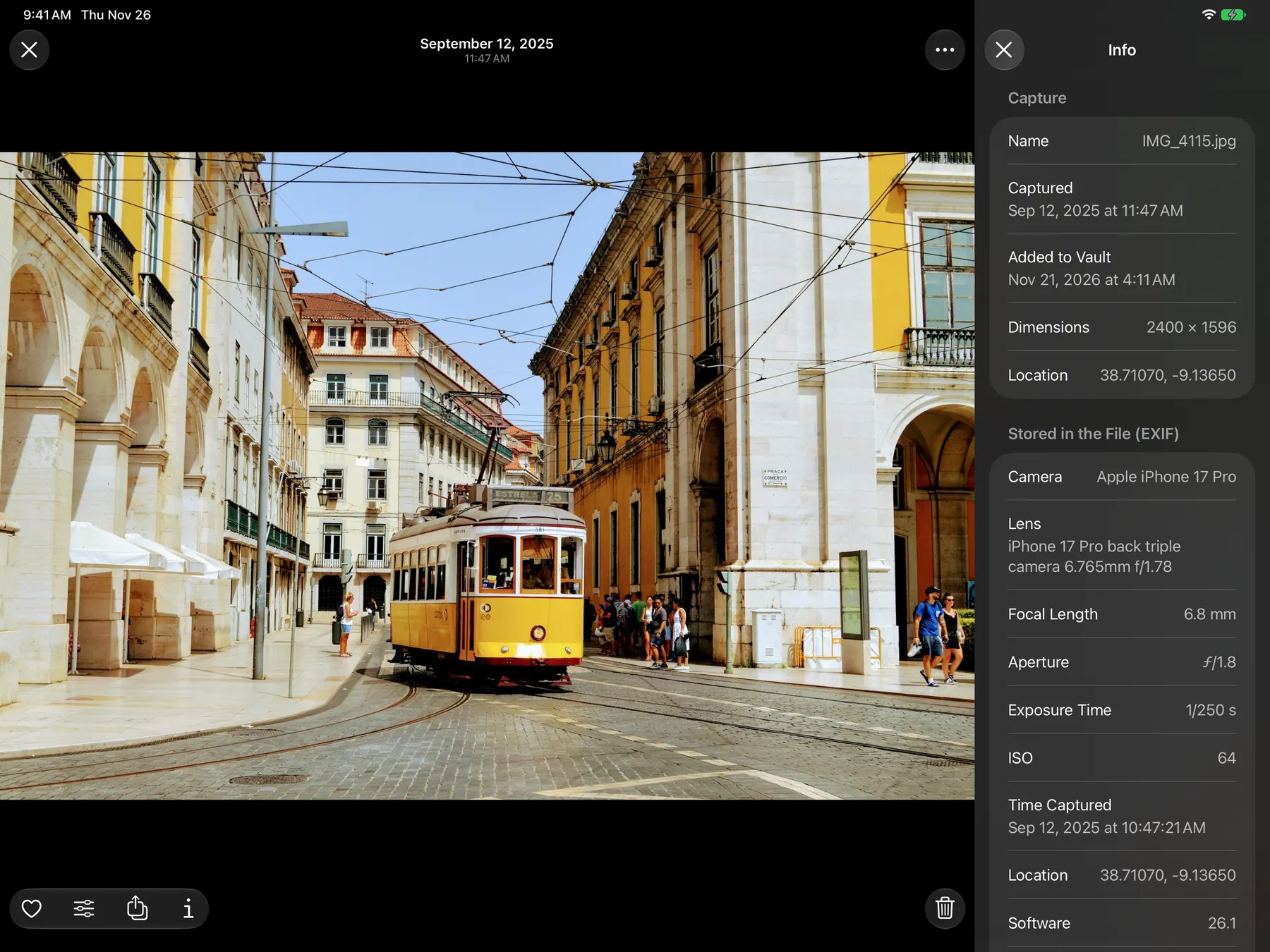
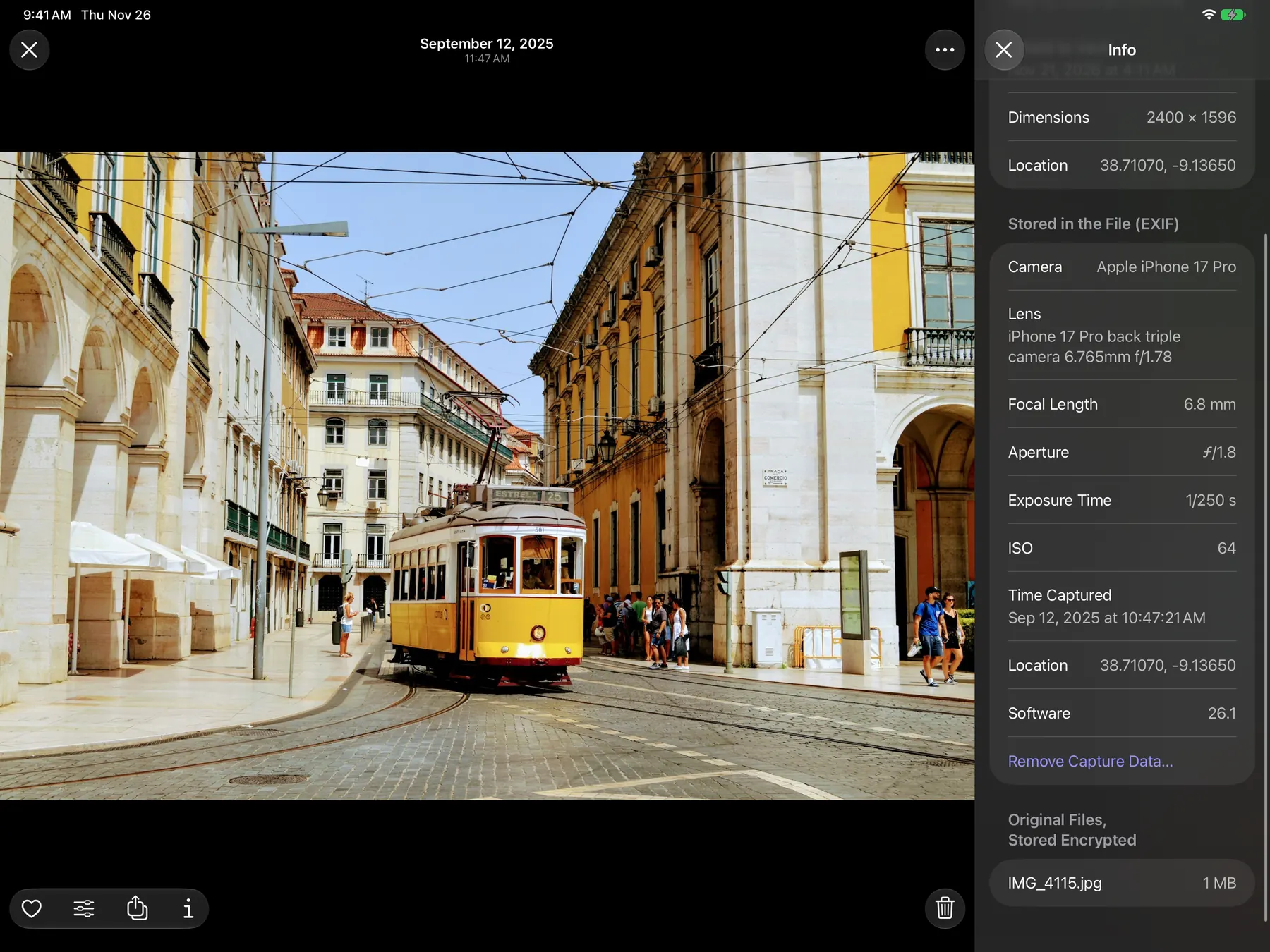
Photo editor
Crop, rotate, adjust and filters. On the Mac with a tool column.
Markup and redaction
Pen, text and shapes. Black bars, mosaic and blur for faces, addresses and account numbers, in videos and GIFs too.
Markup on documents
On PDF, Word, Excel and PowerPoint, with Apple Pencil too.
Video editor
Trim, crop, rotate, filters and mute.
Collages
From 2 to 9 photos, videos and GIFs, moving too. Every picture can be moved, rotated and edited on its own.
GIF maker
From photos or videos, with speed, direction, looping and size.
Remove capture data
See camera, location and time, and delete them before you share.
Devices
One vault app for iPhone, iPad and Mac.
One purchase covers all three. On the Mac with a sidebar, menus, keyboard shortcuts and files from the Finder. Each device has its own vault, and the encrypted backup carries the contents across.
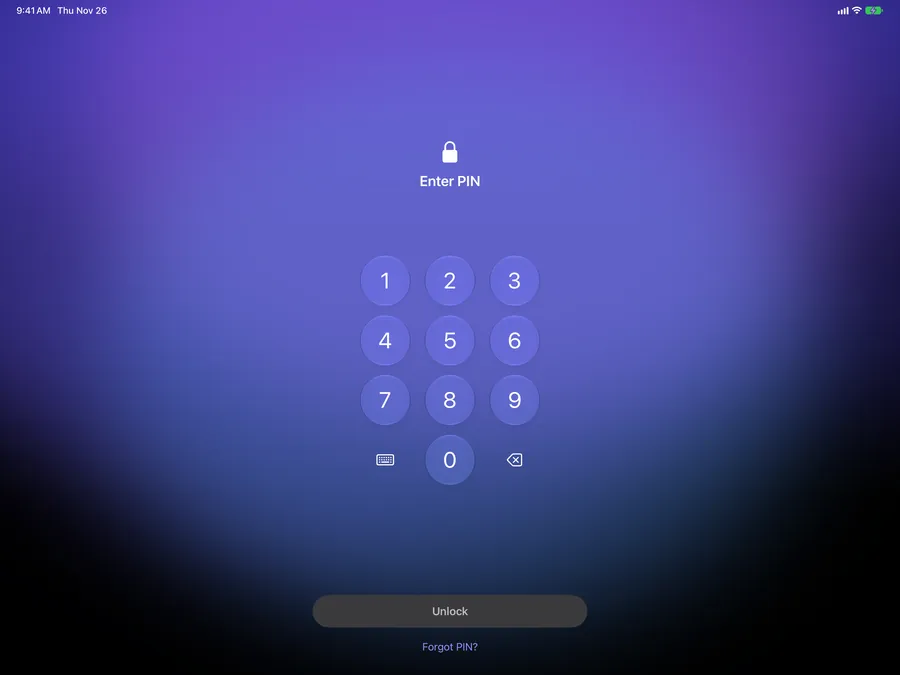
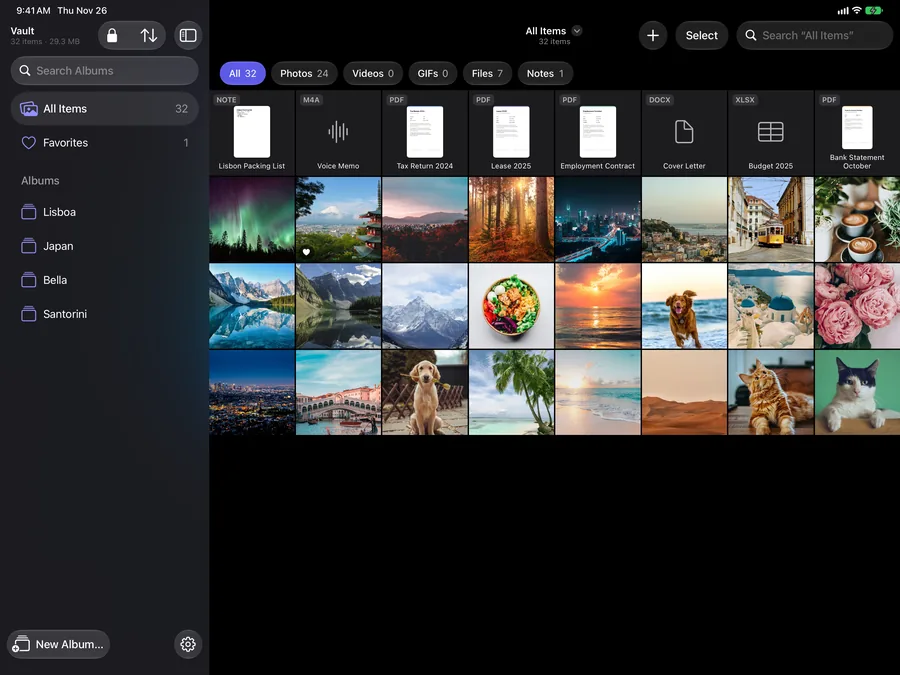
iPhone
Face ID, a built-in camera that saves straight to the vault, files from any app through the share sheet. iOS 26 or later.
iPad
Sidebar with albums, a large grid, markup with Apple Pencil. iPadOS 26 or later.
Mac
A window with sidebar, menus and keyboard shortcuts. Drag files in from the Finder, Touch ID, locks when the Mac sleeps. macOS 26 or later.
In 13 languages: English, German, French, Spanish, Italian, Portuguese (Brazil), Dutch, Polish, Turkish, Japanese, Korean, Arabic and Hebrew.
Price
Buy once. No subscription.
Free gets you every editor and every protection feature. Premium lifts the limits with a single purchase.
Free
€0
- 1 vault
- Up to 20 items
- 1 album
- Every editor and protection feature
- Export, backup and restore
Premium
€4.99one-time
- Unlimited items
- As many albums as you like
- Second vault with its own PIN
- Works on iPhone, iPad and Mac
- Family Sharing for up to five more people
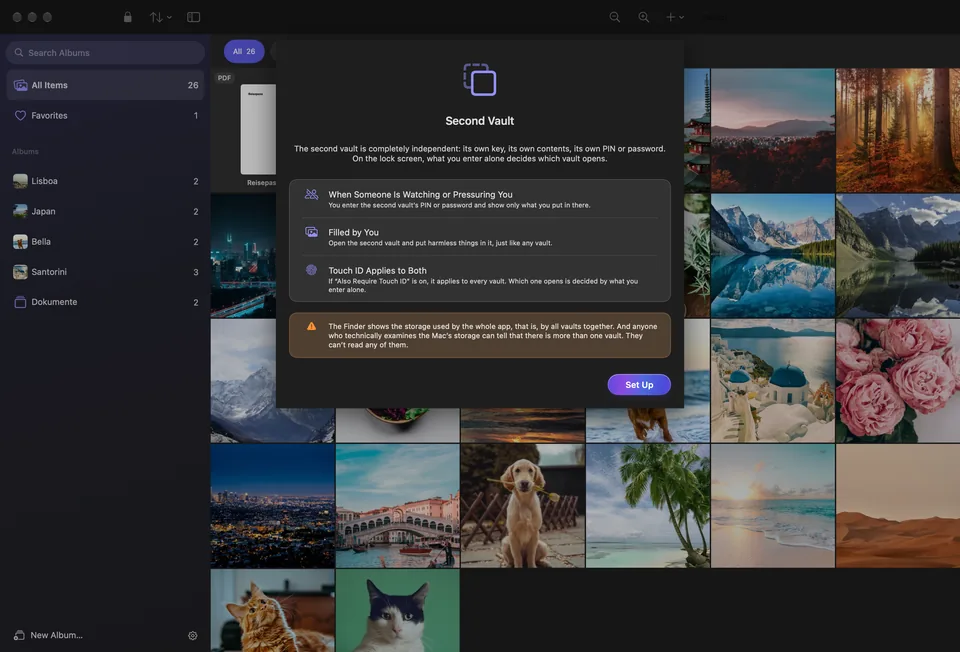
Second vault
A second, independent vault with its own PIN or password, in case someone pressures you to open it. What you enter alone decides which vault opens.
Premium is an in-app purchase in the App Store. The price shown is for Germany; in other countries the App Store shows the local price. Export, backup and restore never cost anything: you can always get to your own data.
To be honest
No app can prevent screenshots. Datatresor records them in the log on iPhone and iPad; on the Mac, macOS does not report them to the app. Whatever you take out of the vault is no longer encrypted outside it. And if you lose both your PIN or password and the recovery code, you lose access. There is no back door.
Questions
Short answers.
Do I need an account?
No. Datatresor has no account and no cloud. On first launch you choose a PIN or password and get a recovery code.
I forgot my PIN or password.
Tap “Forgot PIN?” or “Forgot password?” on the lock screen and enter the recovery code. Without either, nobody gets to the data. We have neither a key nor a copy.
How do I move to a new device?
Create an encrypted backup and open it on the new device with the recovery code. This works between iPhone, iPad and Mac as well.
Does Premium work on all my devices?
Yes. The purchase belongs to your Apple Account and applies on iPhone, iPad and Mac. With Family Sharing, for up to five more people too.
Can Datatresor prevent screenshots?
No app can. Datatresor hides content during recording and mirroring, records screenshots in the log on iPhone and iPad and reminds you that the image now sits unencrypted in your photo library. On the Mac, macOS does not report screenshots to the app.
What data does Datatresor collect?
None. No account, no tracking, no analytics. The app makes no internet connection of its own.
Try it for free.
One vault, 20 items, every feature. Premium only if you need more.
iPhoneiPadMac